
Export Data/Video
Saved data can be exported in two ways:
-
To Browser – Exports all data except video to the browser viewing the Device Manager.
-
To External Drive – Exports all data, including video, to a connected USB storage device.
Exporting Data and Video
-
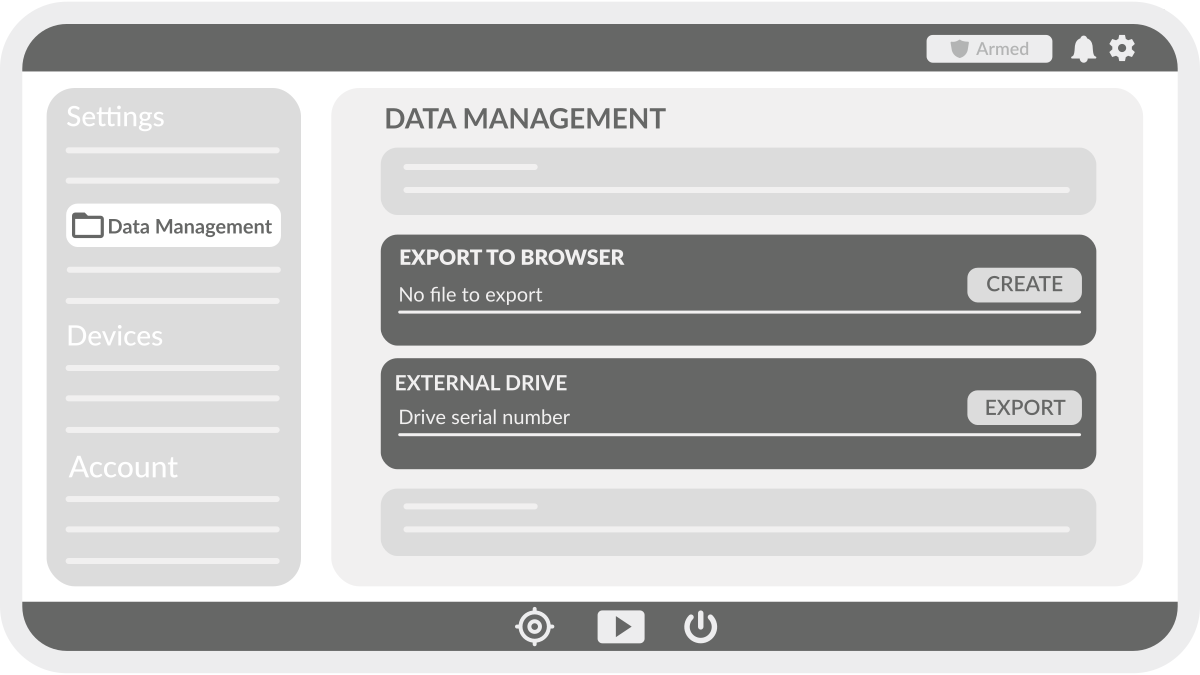
Navigate to the Device Manager settings page.
-
Select Data Management.
-
Press Create next to either:
-
Export to Browser (excludes video).
-
Export to External Drive (includes video).
-
-
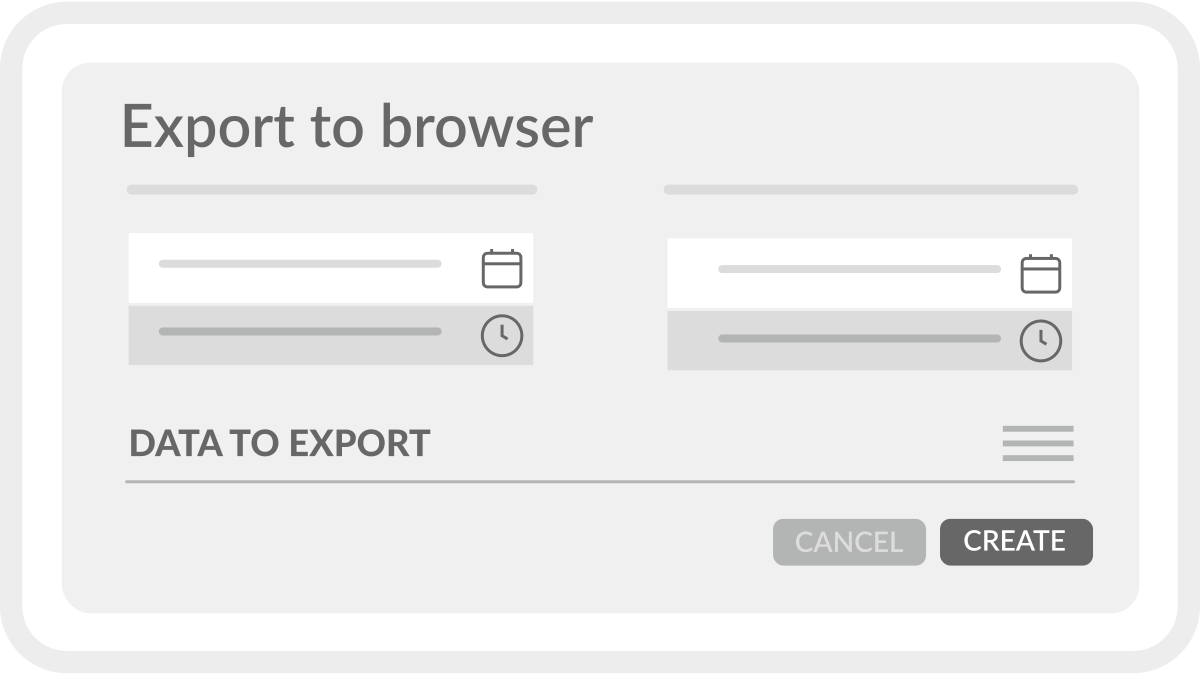
Select a time range.
-
Use the dropdown to choose the data to export.
-
Press Export to begin the process.
Export Results
-
External Drive Export – Data is saved directly to the connected storage device.
-
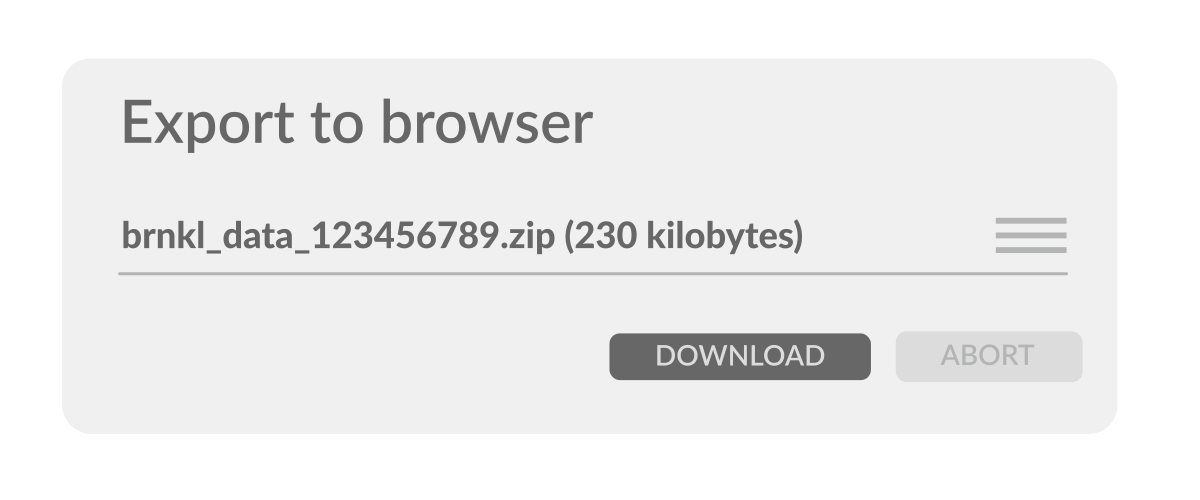
Browser Export – Data is compressed into a ZIP file. Press the download button to save it to your device.
Review Data
Data can be reviewed in the Device Manager using the Dashboard.
Reviewing Data in the Dashboard
-
Graph Widget – Select parameters to review and plot data trends.
-
Replay Engine – Choose a specific time range to examine historical data.
-
Timeline Bar – Scrub through time to view past events as they happened.
Synchronized Data Review
When adjusting the time range in the Replay Engine, all dashboard elements update accordingly:
-
Video Widget – Displays recorded footage from the selected time and camera (if available).
-
Tile Data – Updates with historical sensor readings.
-
Map Location – Shows GPS position at the specified time.
-
Graph Widget – Reflects data trends for the chosen period.
Use these tools to analyze vessel activity and system performance over time.