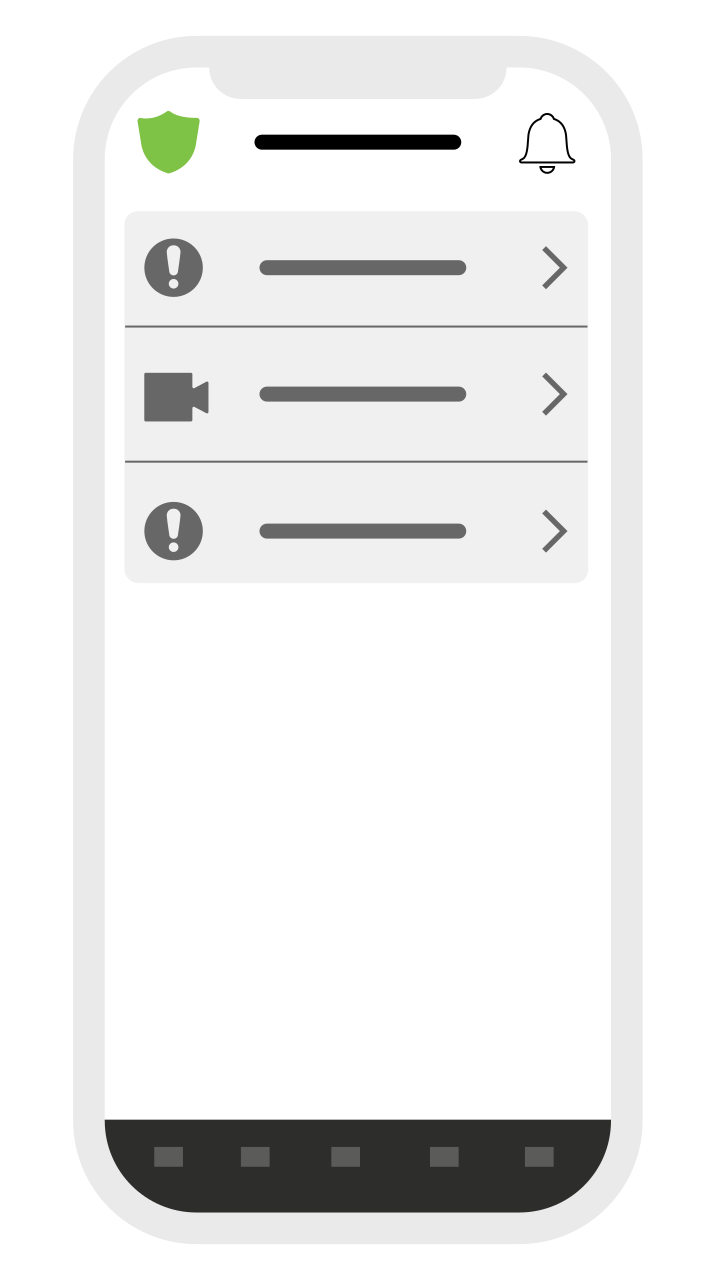
The main BRNKL App interface consists of five pages, plus the Armed Indicator/Control, and Notifications sections.
Main App Pages
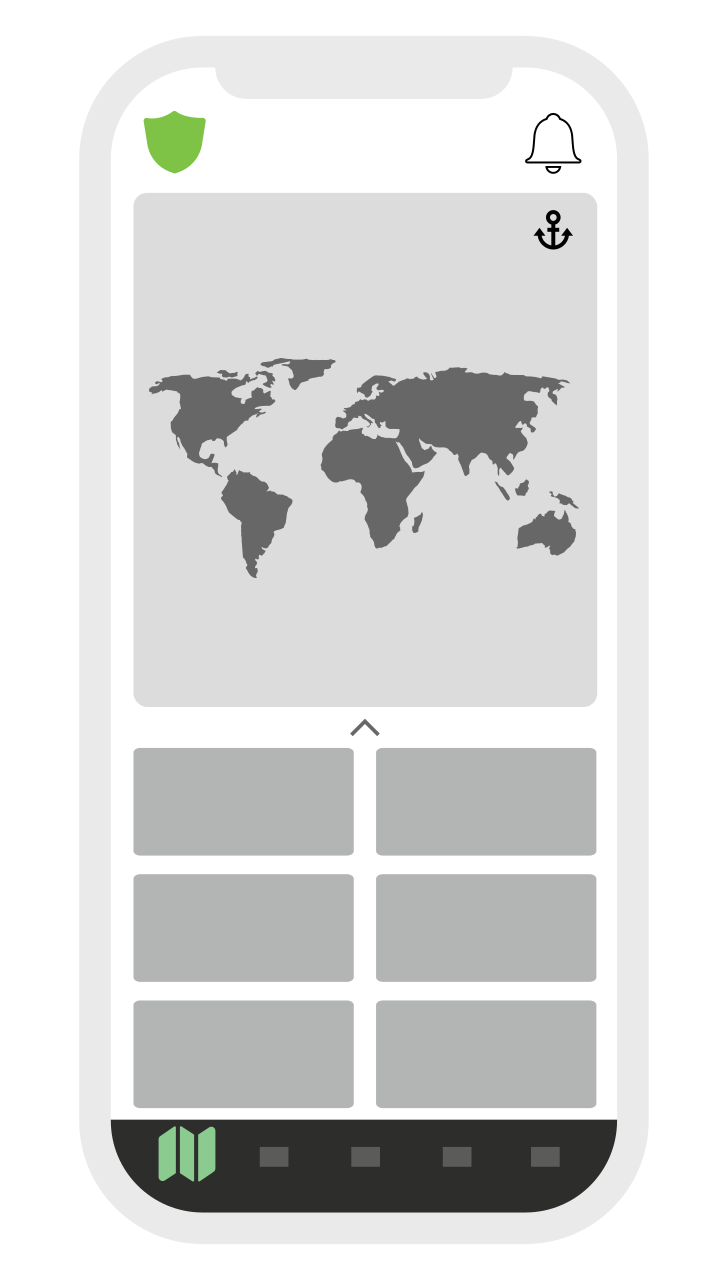

Map
-
View the current location of the BRNKL Black.
-
Track previous vessel movements.
-
View and configure the geofence.
-
Displays all parameters set to Monitor in system settings.
-
Rearrange tiles by holding and dragging.
-
Expand the tile section to view more data.

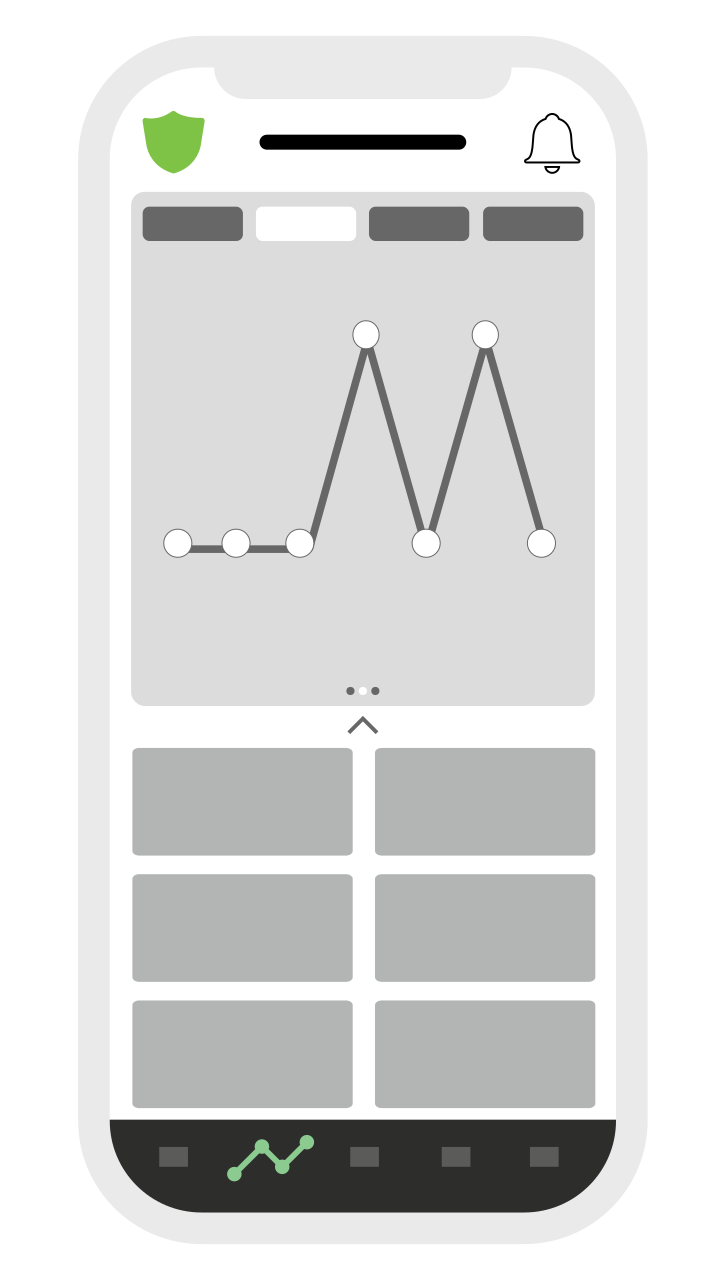
History
-
View system data plotted over time.
-
Select timescale options: 3 hours, 12 hours, 1 day, 7 days.
-
Swipe to switch between parameters.
-
Displays the same tile section as the Map page.
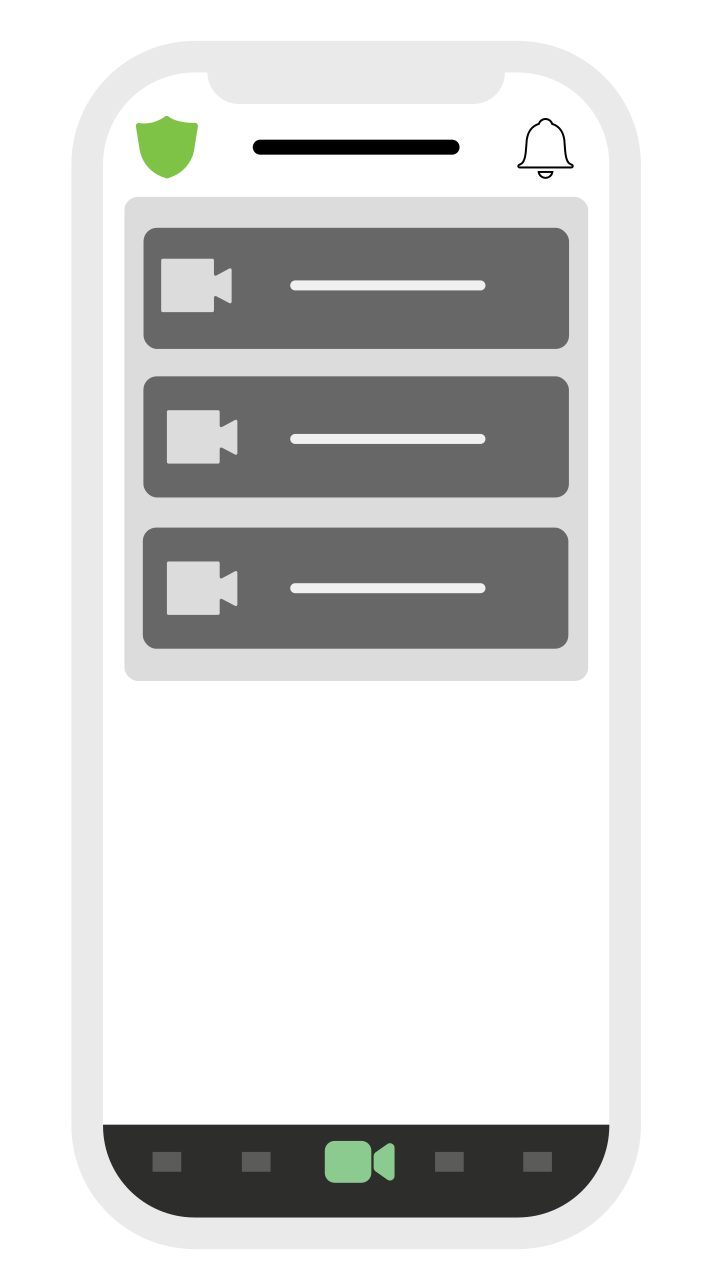

Video
-
Shows thumbnails from all connected cameras.
-
Tap a camera thumbnail to view a live feed.

Controls
-
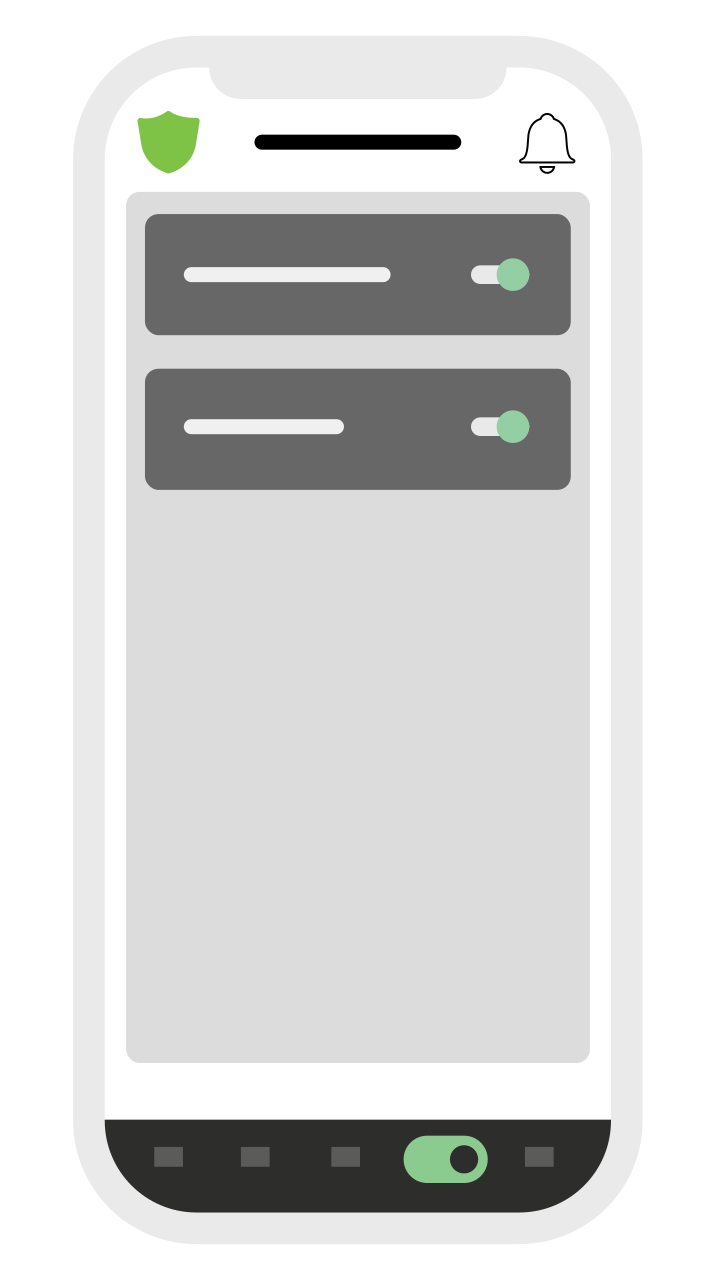
Access built-in and connected switching systems.

Settings
-
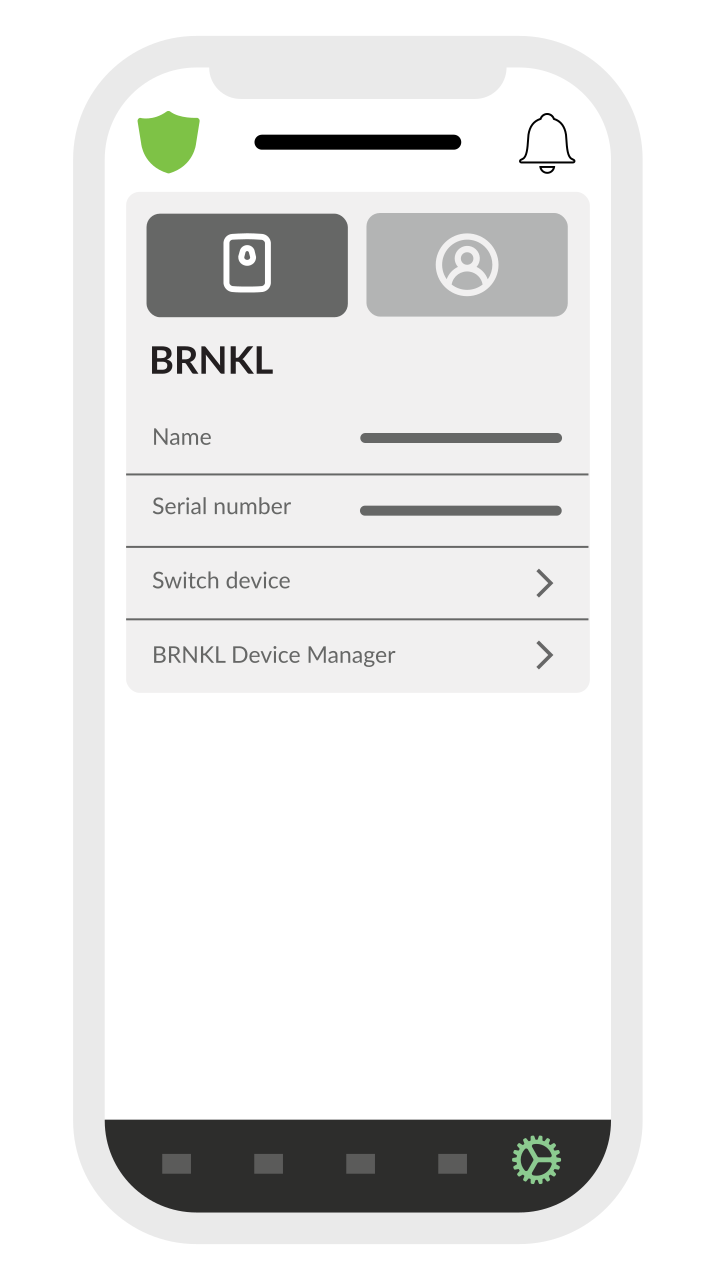
View device information such as serial number.
-
Access a link to the remote Device Manager login.
-
Display account information.
Additional Features


Armed Control
-
View system status.
-
Arm or disarm the system.

Notifications
-
View a list of alert notifications.
-
If an alert has an associated video clip, a thumbnail will be displayed.
-
Tap the thumbnail to load and review the video clip.