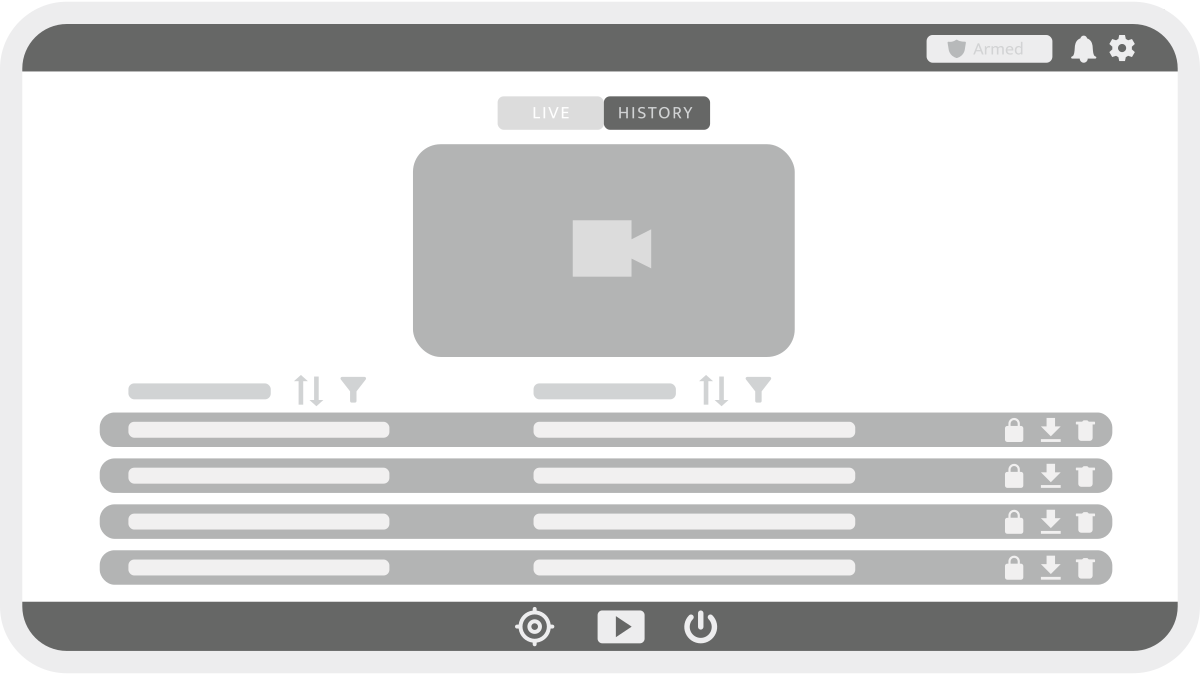
The Videos section provides access to live and recorded footage. It is divided into two tabs: Live and History.
Live
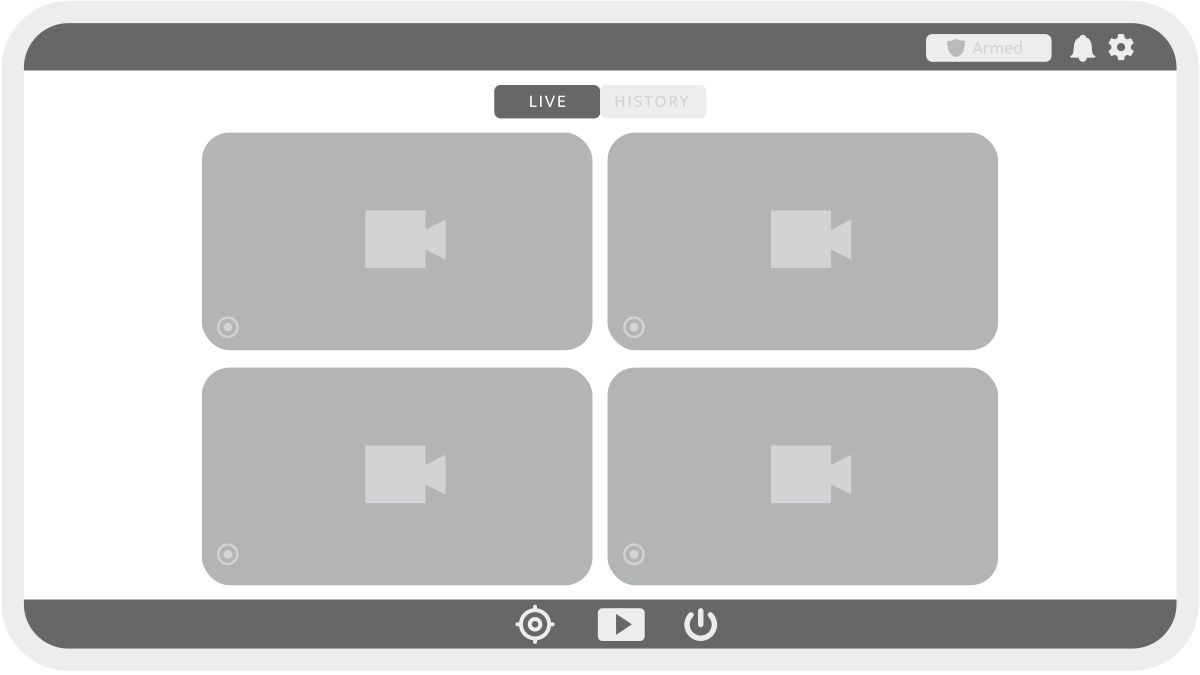
The Live tab displays real-time video feeds from all connected cameras.
-
Press

-
Triggered recording is indicated in each camera widget by

-
For supported cameras, PTZ (Pan-Tilt-Zoom) controls are available in the widget.
-
Hover over a video and click

Video History
The History tab contains a list of recorded video clips.
-
Click on a video to load it in the player widget.
-
Use the player controls and progress bar to review footage.
-
The event list can be filtered


Video Management
Each video has inline management options:
-

-

-