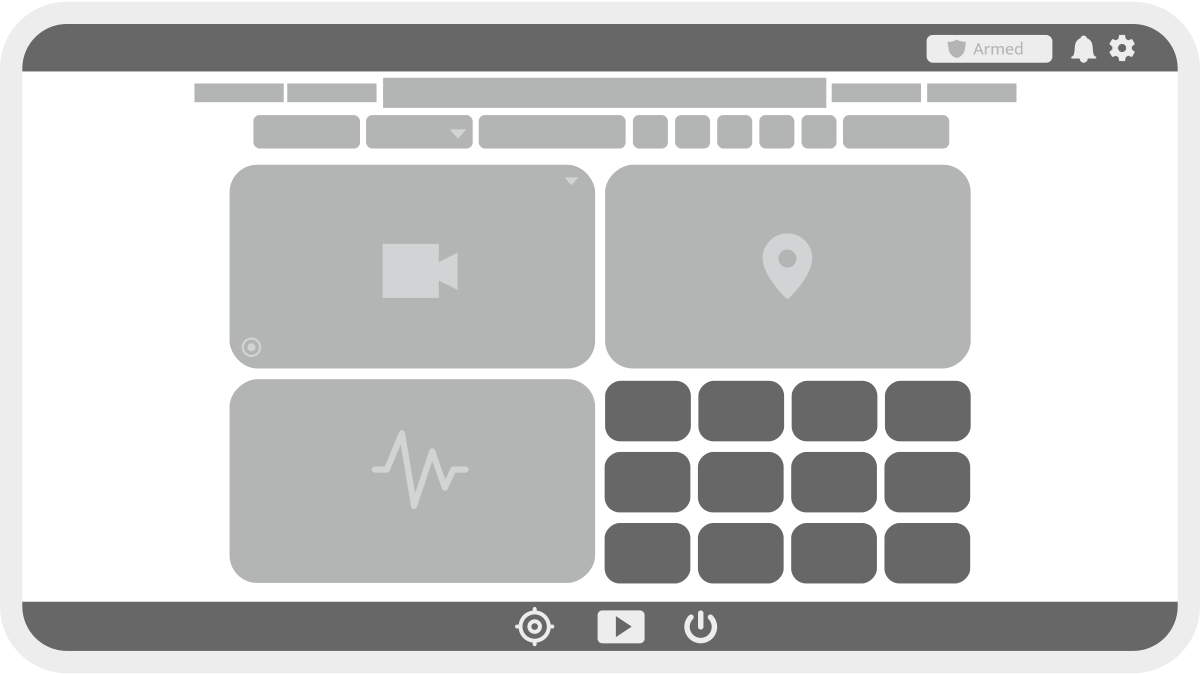
The Dashboard provides an overview of system data and access to key monitoring tools. Use the Dashboard to track real-time and historical vessel activity.
Dashboard Components
-
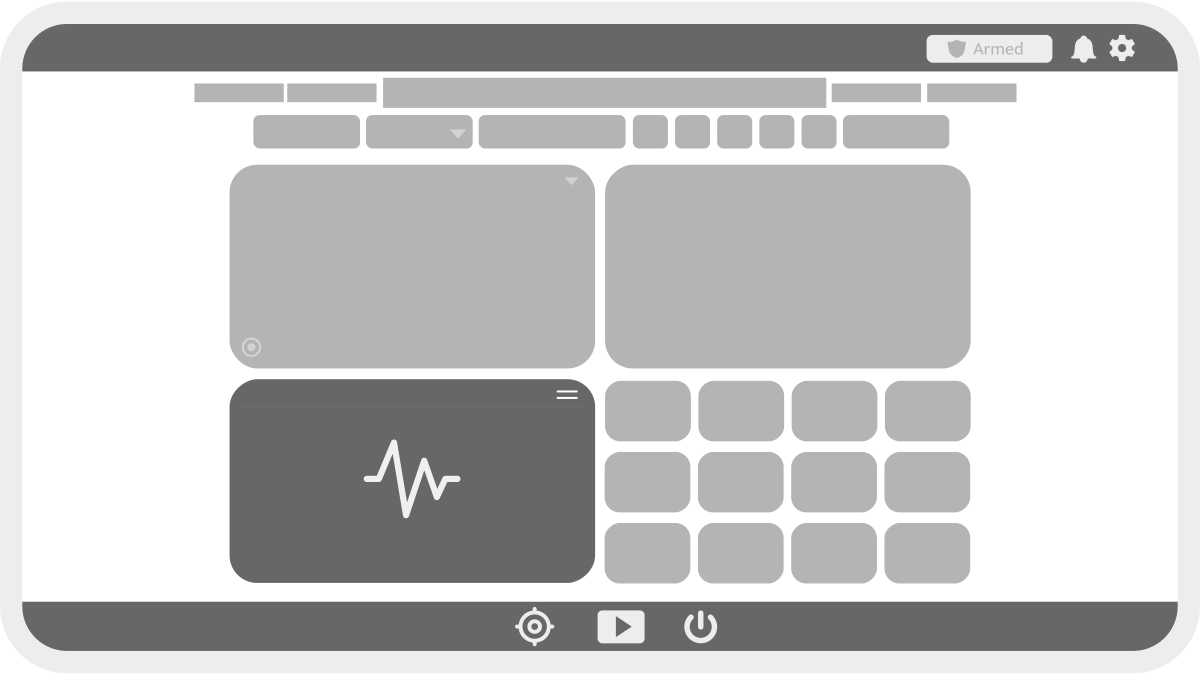
Replay Engine: Review historical system data.
-
Video Widget: View live and recorded video.
-
Map Widget: Display GPS location and alerts.
-
Graph Widget: Monitor data trends.
-
Tile Widget: View monitored system parameters.
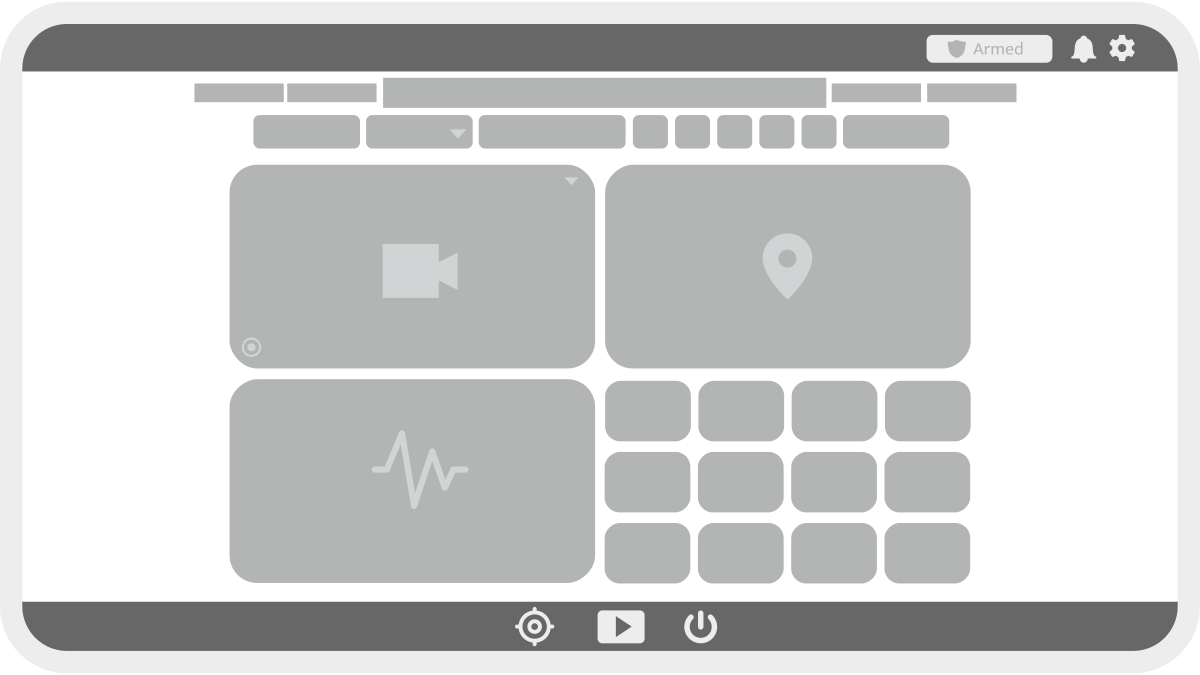
Timeline Bar
-
Scrub through time by clicking or dragging.
-
All widgets update based on the selected time.
-
Alert events appear as red lines.
-
Recorded video periods are shaded light gray.
-
Adjust the time range using the date/time fields on either side.
-
Click Apply after making changes.

Live Button
-
Red: Displaying live data.
-
Gray: Displaying historical data.
-
Click to toggle between live and historical modes.

Timespan Dropdown
-
Quickly adjust the time range of the timeline bar.

Replay Controls
-
Play/Pause playback of historical data.
-
Adjust playback speed.
-
Skip between alert events.

Video Widget
The video widget displays live and recorded footage.
-
Select a camera using the dropdown menu.
-
Press

-
Triggered recording is indicated in the widget by

-
For supported cameras, PTZ (Pan-Tilt-Zoom) controls are available in the widget.
-
Hover over the video and click

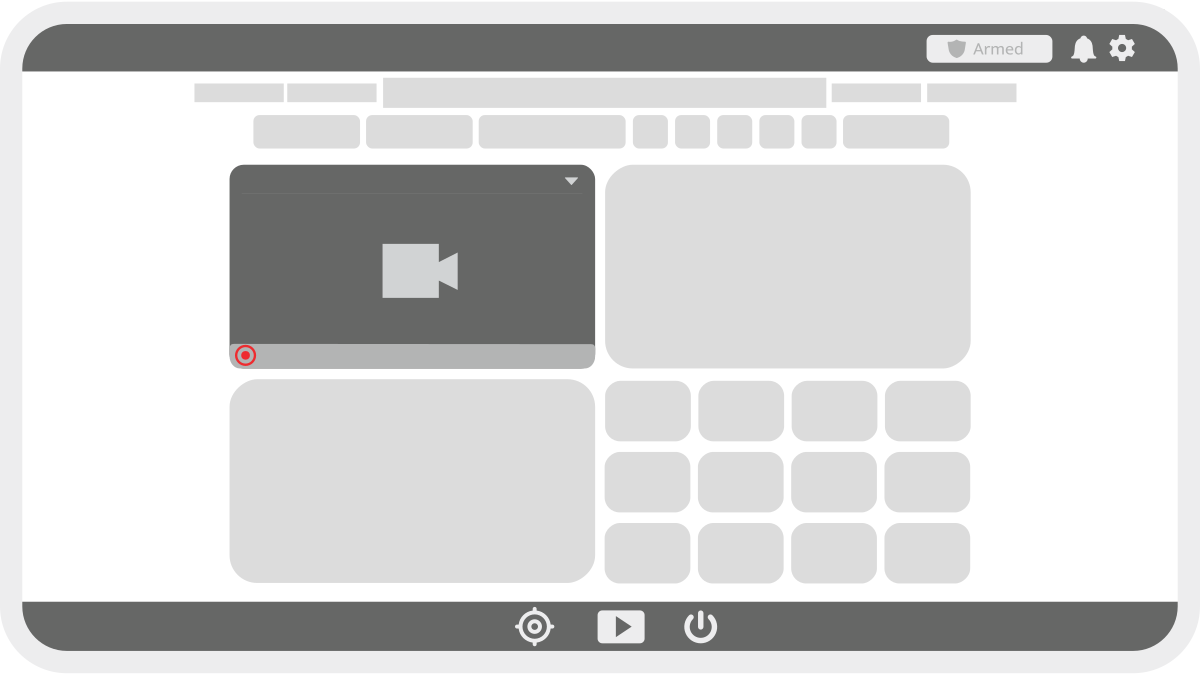
Map Widget
Displays GPS data based on connectivity:
-
Offline Mode: Shows GPS coordinates only.
-
Online Mode: Displays GPS position, geofences, and alert locations.
-
Use the Roam/Auto-Follow button

-
Roam Mode: Allows manual panning.
-
Auto-Follow Mode: Locks onto the vessel’s position.
-
Graph Widget
The graph widget visualizes historical data.
-
Displays data based on the selected timeline bar range.
-
Multiple parameters can be plotted simultaneously.
-
Use the dropdown to select parameters.
-
Click a parameter in the legend to hide it from the graph.
Tile Widget
The tile widget provides real-time monitoring data.
-
Displays all parameters set to Monitor in system settings.
-
Updates in real-time or based on selected historical time.