
A BRNKL subscription is required before the unit can connect to the network. You can create a new account or add the BRNKL to an existing one.
Video walkthrough
If you don't have a BRNKL app account
-
Download and install the BRNKL app from the App Store or Google Play.
-
Open the app and select Create account, then follow the prompts.
If you already have a BRNKL app account
-
Open the BRNKL app on your mobile device.
-
From Map, select the active BRNKL name on the status bar.
-
From Fleet, select + in the top right.
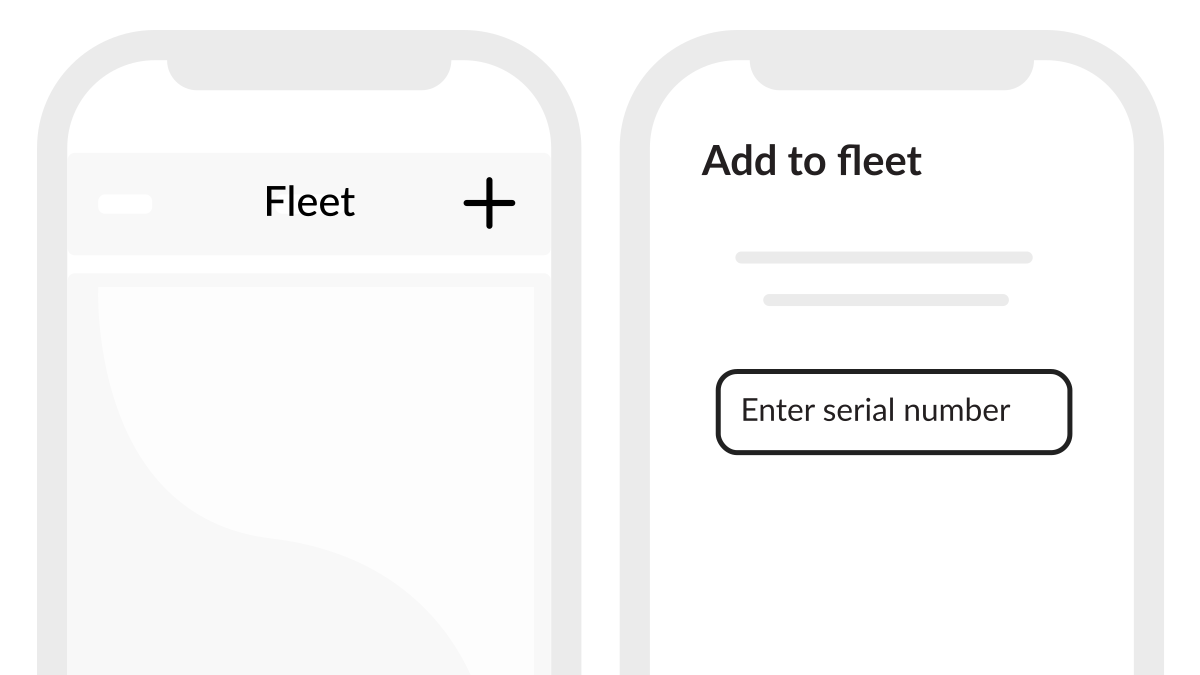
Add device to app
-
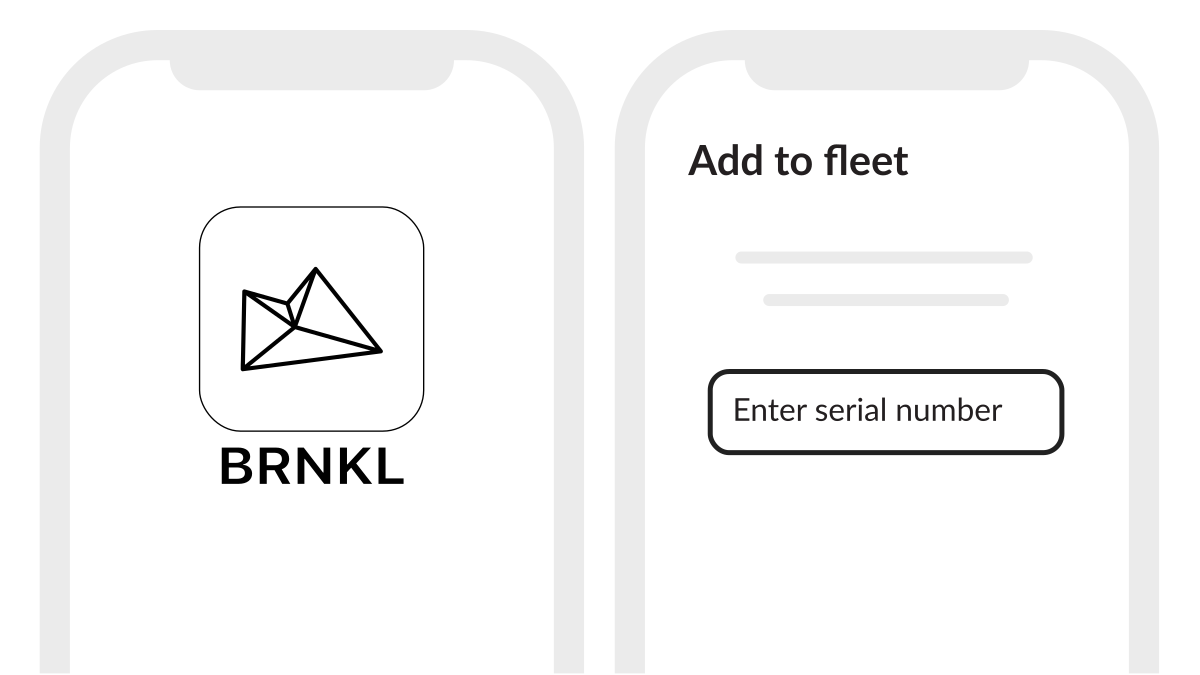
When prompted, enter the serial number or scan the QR code on the BRNKL or its packaging.
-
Select a service plan and complete payment.