Set up your BRNKL to monitor, report, or record activity from a NMEA 2000 network-connected source. Repeat for each activity you want to add from a source.
To set up NMEA 2000 activity, follow these steps:
Turn on NMEA 2000 network
If you’re setting up engine or generator activity, also make sure the device you want monitored is turned on.
A | Select related data field
Using a browser device connected to the same network as the BRNKL:
-
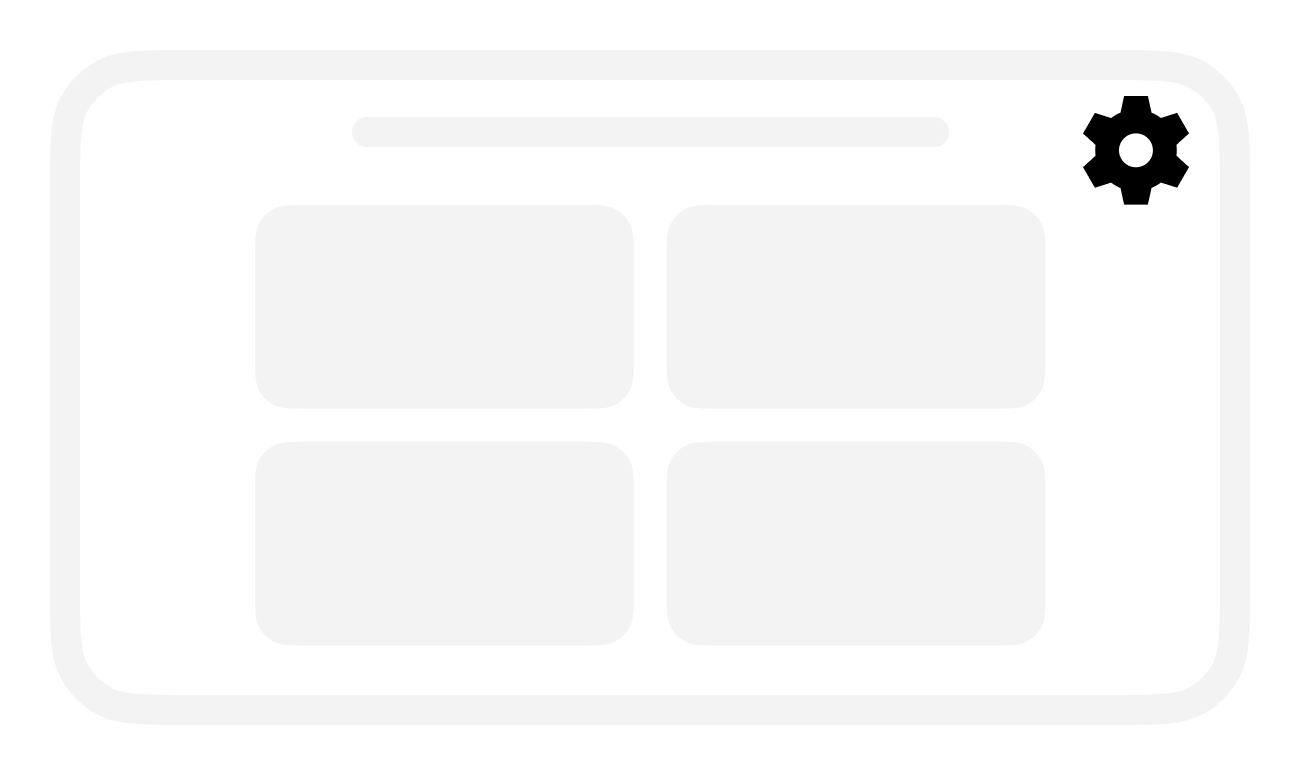
Open the BRNKL Device Manager, select Settings

-
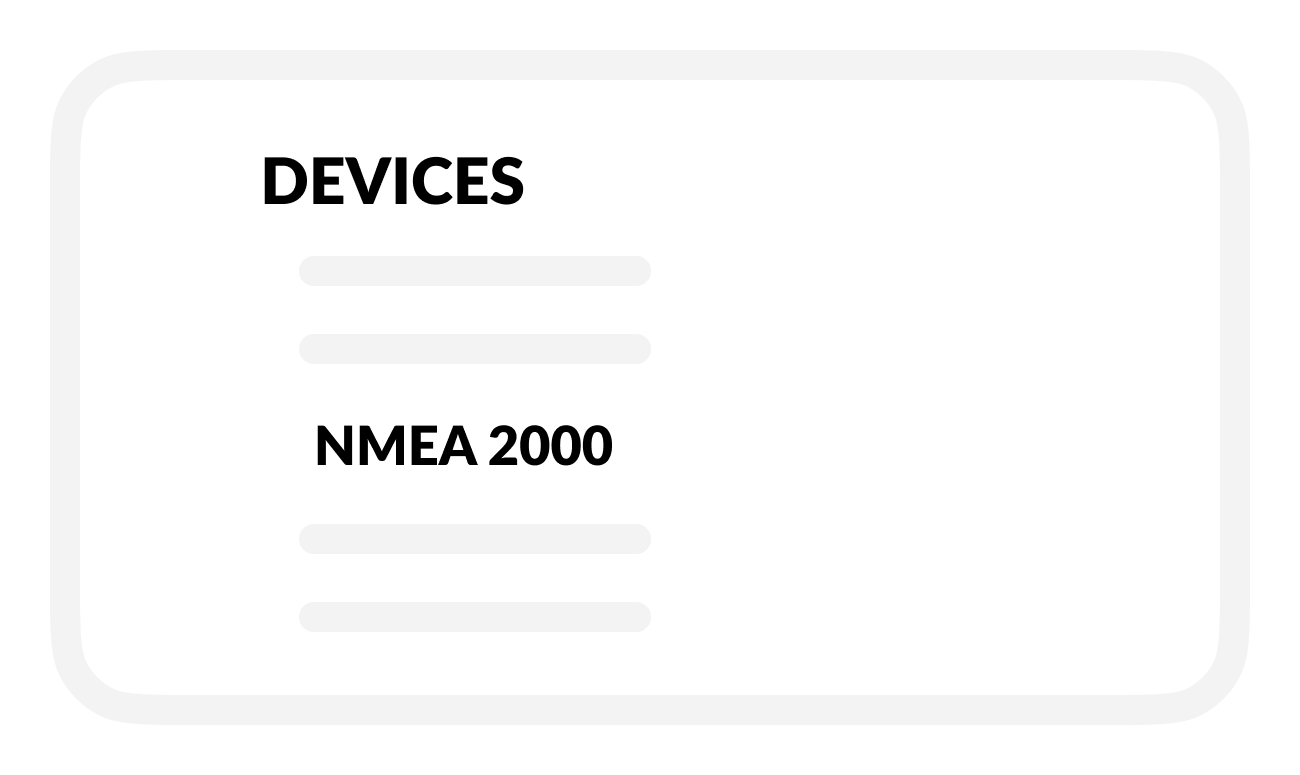
From the Devices menu find and select NMEA 2000.
-
In the Available Paths list:
Go to the corresponding source (SRC) and parameter group (PGN), then find the data field for the activity you want to set up.
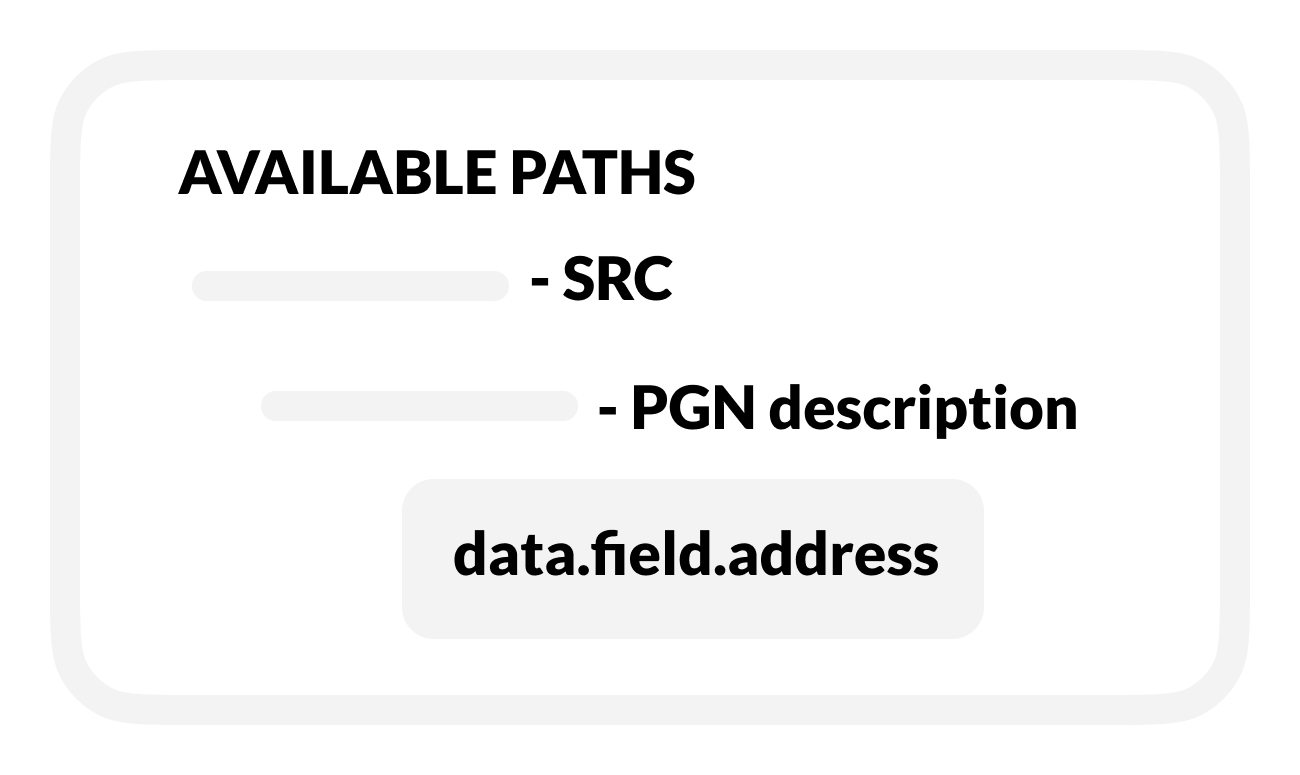
Select the data field address to open and view the associated activity settings.
B | Rename activity
In settings for the selected activity:
-
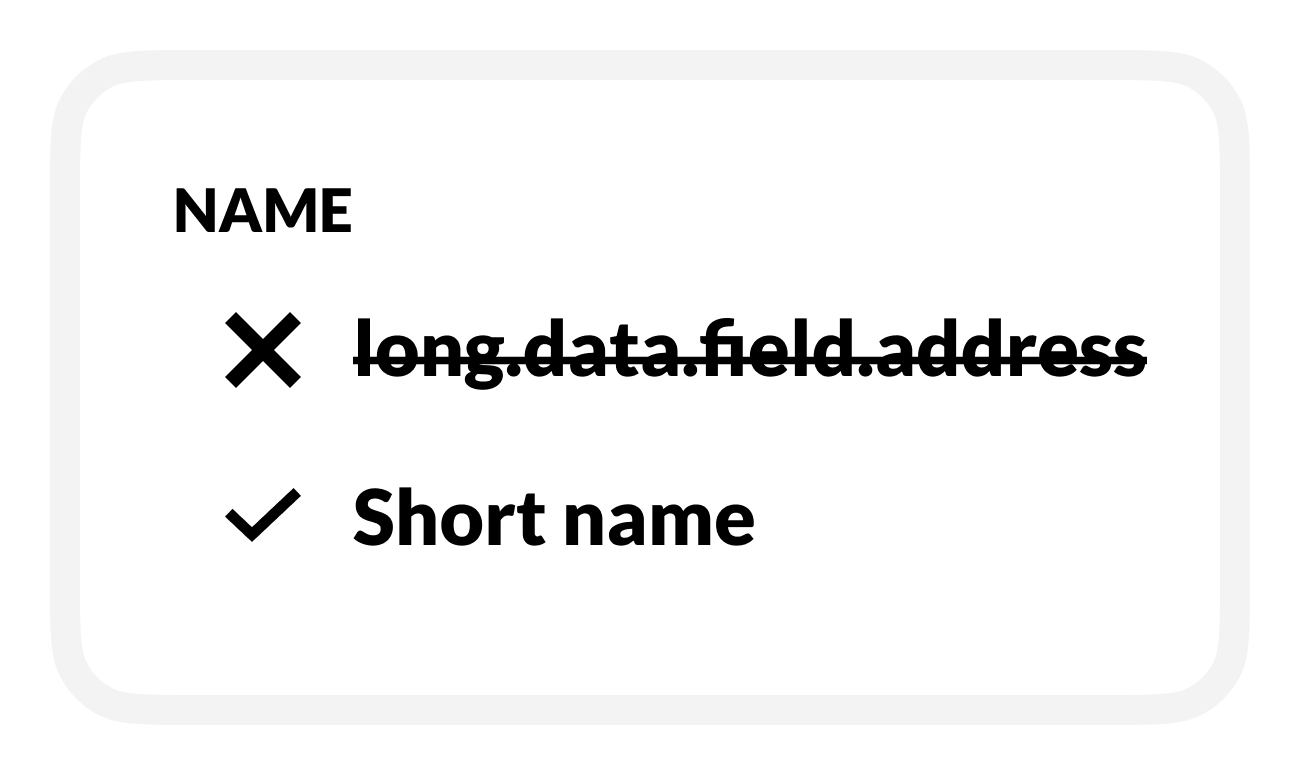
Replace the default Name with a descriptive name.
-
Use 12 or fewer characters.
-
C | Set up activity monitoring
-
To check the selected activity, turn on Monitor.
-
BRNKL will monitor and display the activity status or value:
-
On the BRNKL Device Manager Dashboard, in real time.
-
In the BRNKL app (if connected), updated every 15 minutes.
-
-
-
Do one of the following, based on the type of activity:
-
Leave or select a Unit preference.
-
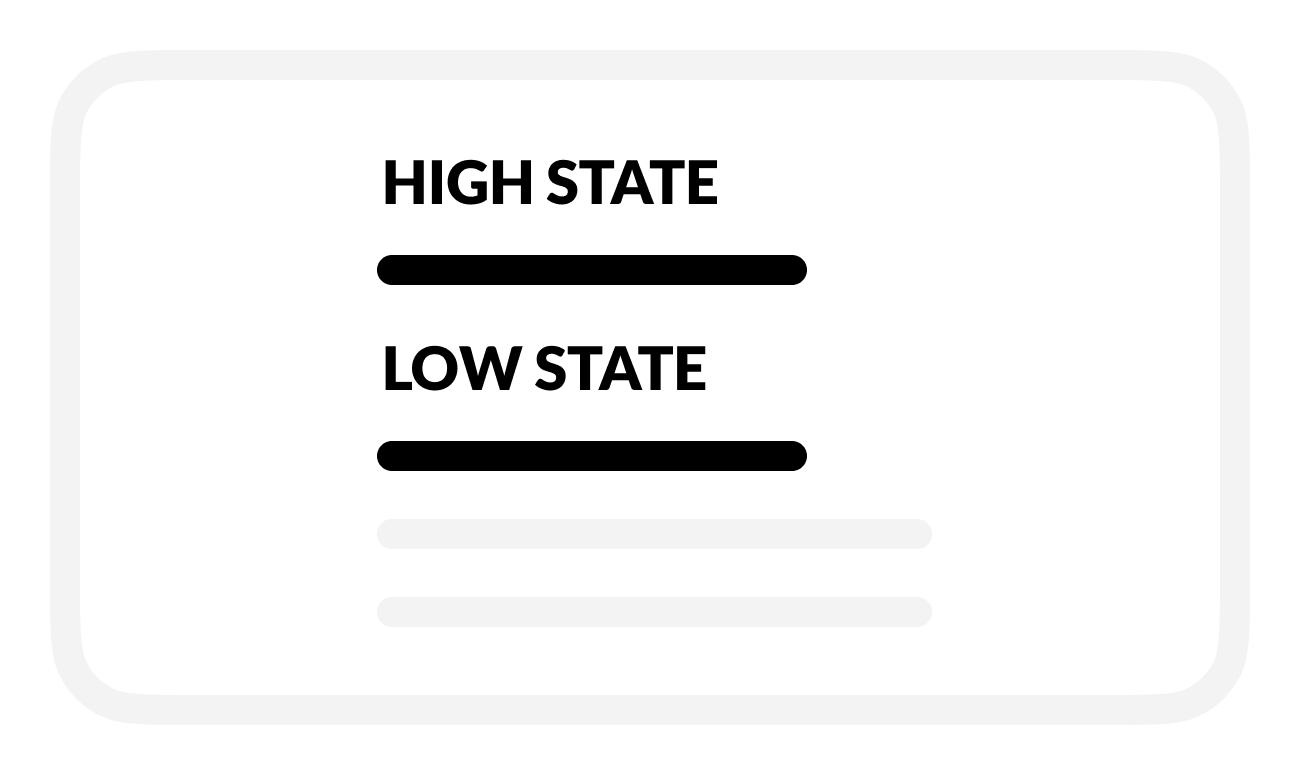
Leave or rename High and Low states.
-
-
Save when complete.
D | Set up activity alerts
Analog activity only
-
To find out when an activity value is too low or high, turn on Alert.
-
While Armed, BRNKL will send an alert when an event happens.
-
-
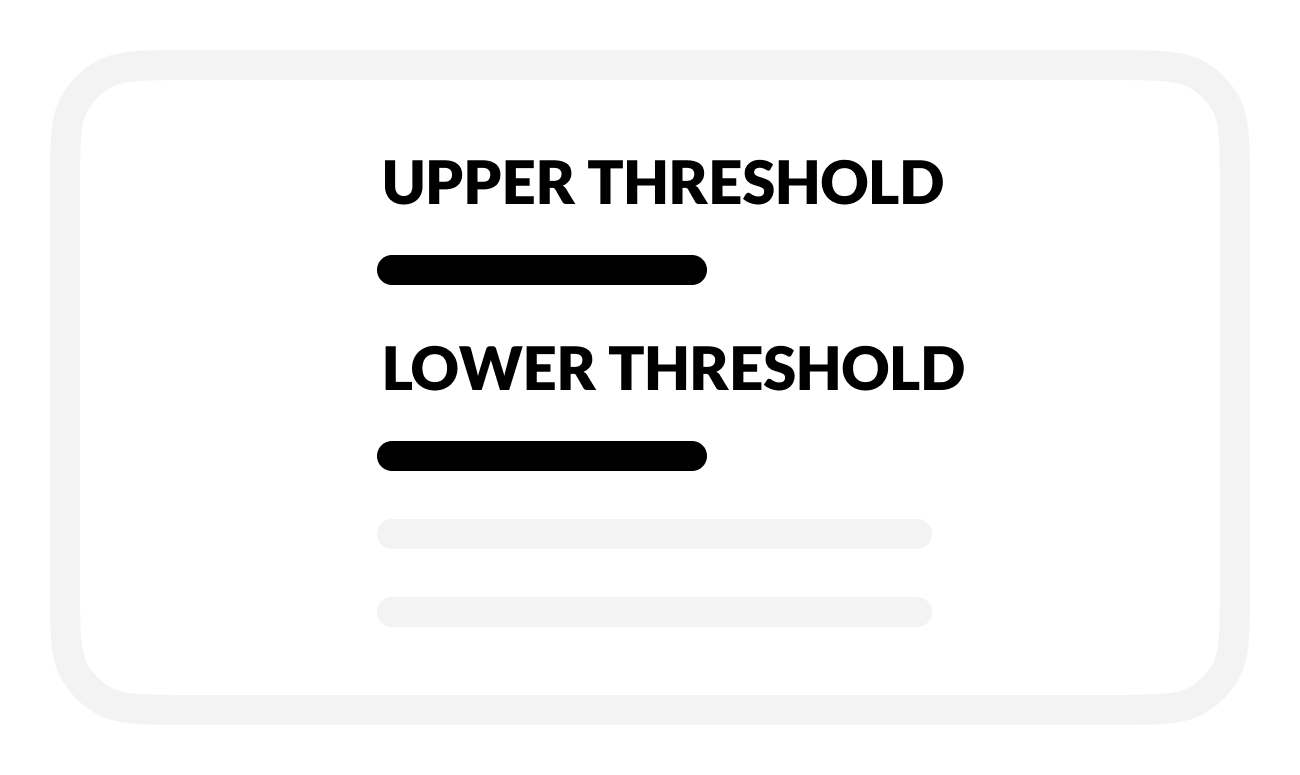
To set an activity event, enter Upper threshold and Lower threshold values.
-
BRNKL will send an alert when the activity falls below this value.
-
-
To view video footage of the event, select a camera view to Record on alert.
-
Save when complete.
E | Set up activity recording
-
To review activity history, turn on Record.
-
BRNKL will record and store related data.
-
-
Save when complete.