
Add an input device to your BRNKL Black.
The BRNKL Black has seven inputs that can measure 0-60V DC. They can be configured to work with a variety of analog or digital devices. They are connected using the supplied connector cable.
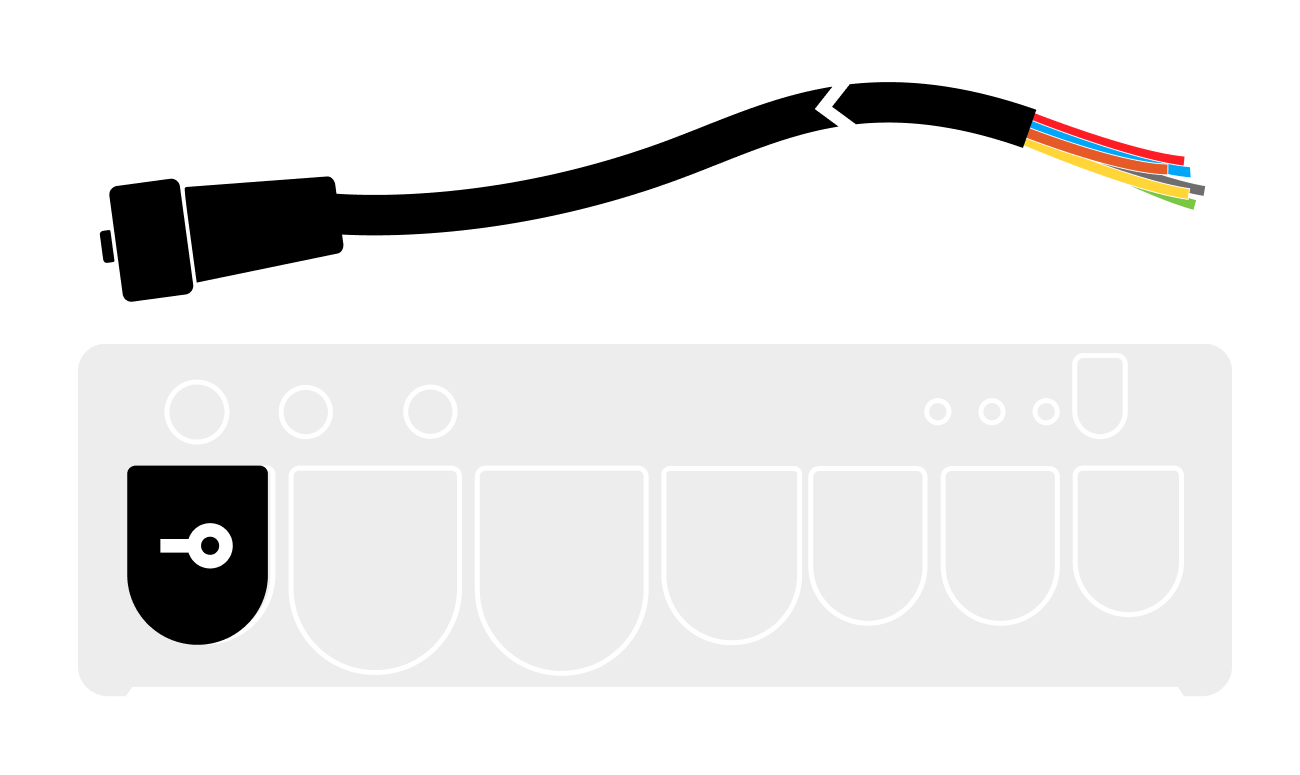
See the connection guide here.
General Input Settings
Most input settings follow a standardized structure consisting of four toggle options, along with additional configuration settings to further customize input behavior. Use these settings to customize input behaviors for monitoring, alerts, and automated responses.
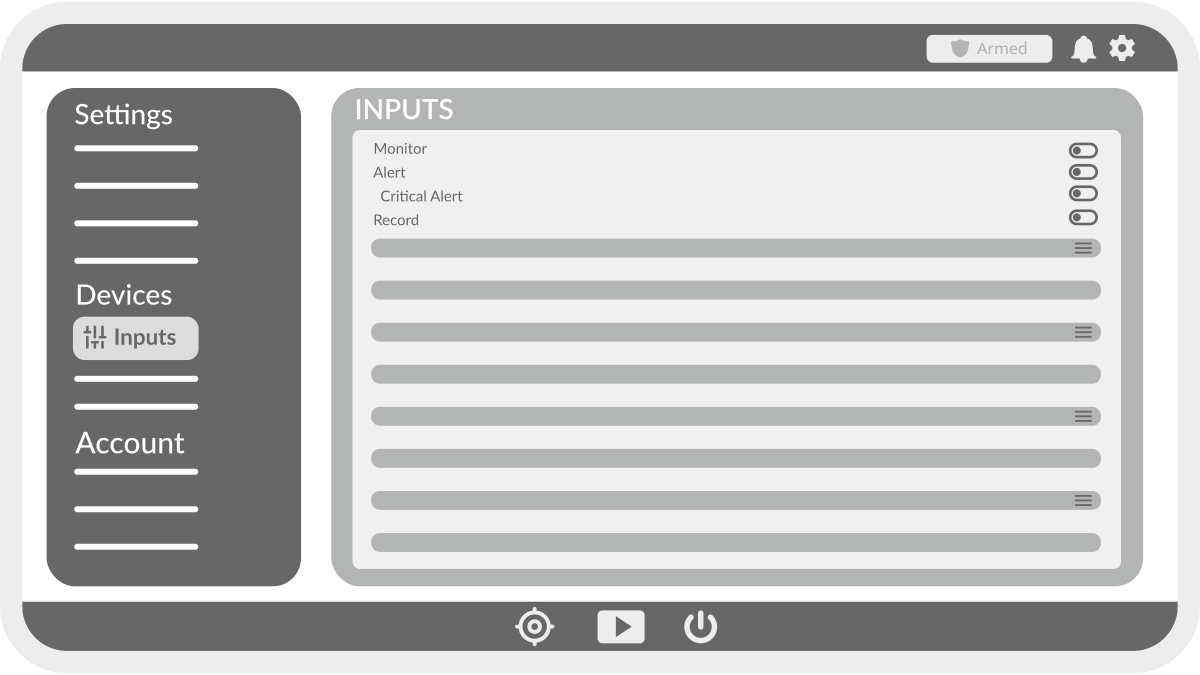
Toggle Options
-
Monitor – Displays the parameter as a tile on the dashboard.
-
Alert – Generates notifications when the value exceeds set thresholds and the system is armed.
-
Critical Alert – Generates notifications when the value exceeds set thresholds, regardless of armed state (only visible if Alert is enabled).
-
Record – Saves the parameter to internal storage.
Additional Configuration Options
-
Name – Assign a custom name to the input.
-
Type – Select from preset or generic input types.
-
Preferred Unit – Choose the unit in which the value will be displayed (varies by input type).
-
Upper/Lower Threshold – Define threshold values for triggering alerts on analog inputs.
-
Slope/Offset – Adjust and scale the value of an analog input.
-
High Name – Define the status label when a digital input is high/on.
-
Low Name – Define the status label when a digital input is low/off.
-
Alert On – Specify the digital input state that triggers an alert.
-
Record on Alert – Select a camera to record a video clip when an alert is triggered.
-
Triggered Recording Duration – Set the length of recorded video clips.
-
Trigger on Alert – Select an output to activate when an alert occurs.
-
Triggered State – Define the desired output state when triggered.