
Check, review, and find out about battery voltage by adding a battery to your BRNKL using the supplied connector cable:
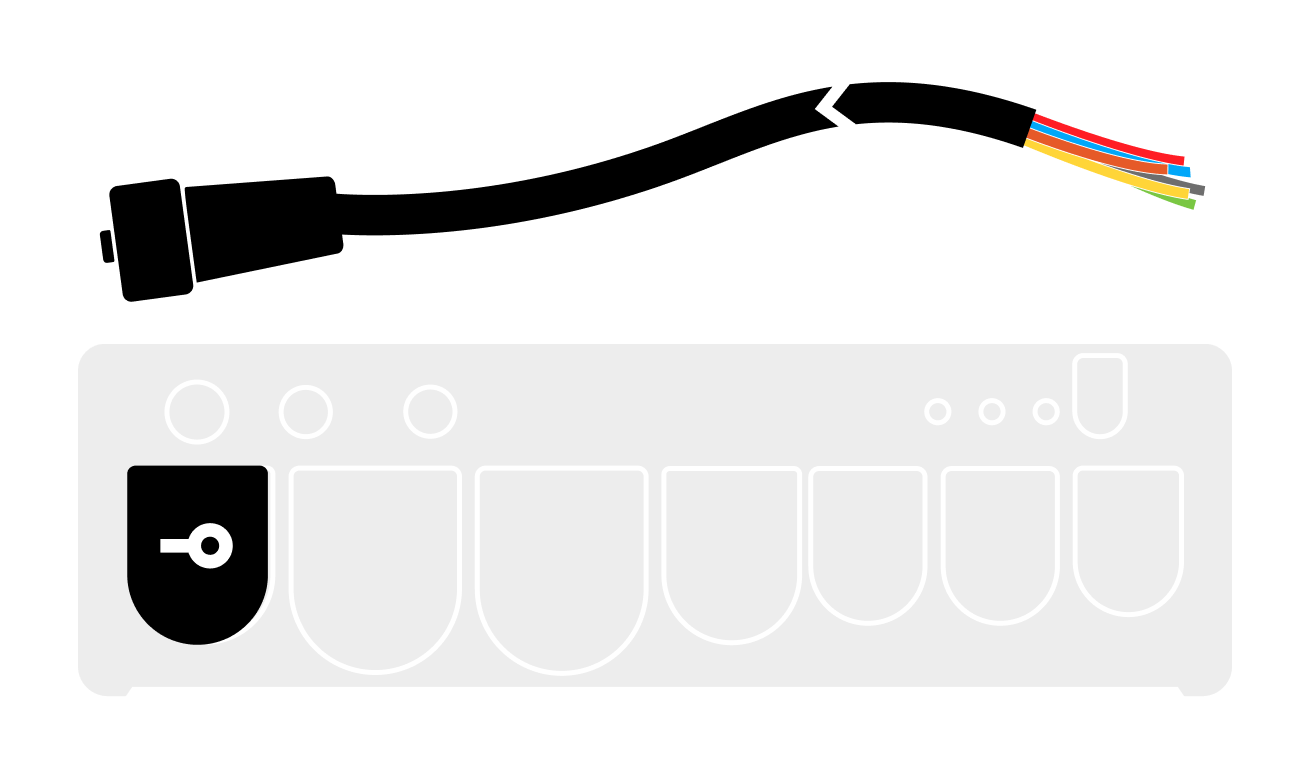
Connect battery
Connect a 0–60 V battery to your BRNKL using the supplied connector cable.
-
Make sure the power connection is always on and not controlled by a switch.

-
Connect the positive battery terminal to an available input channel on the BRNKL connector cable.
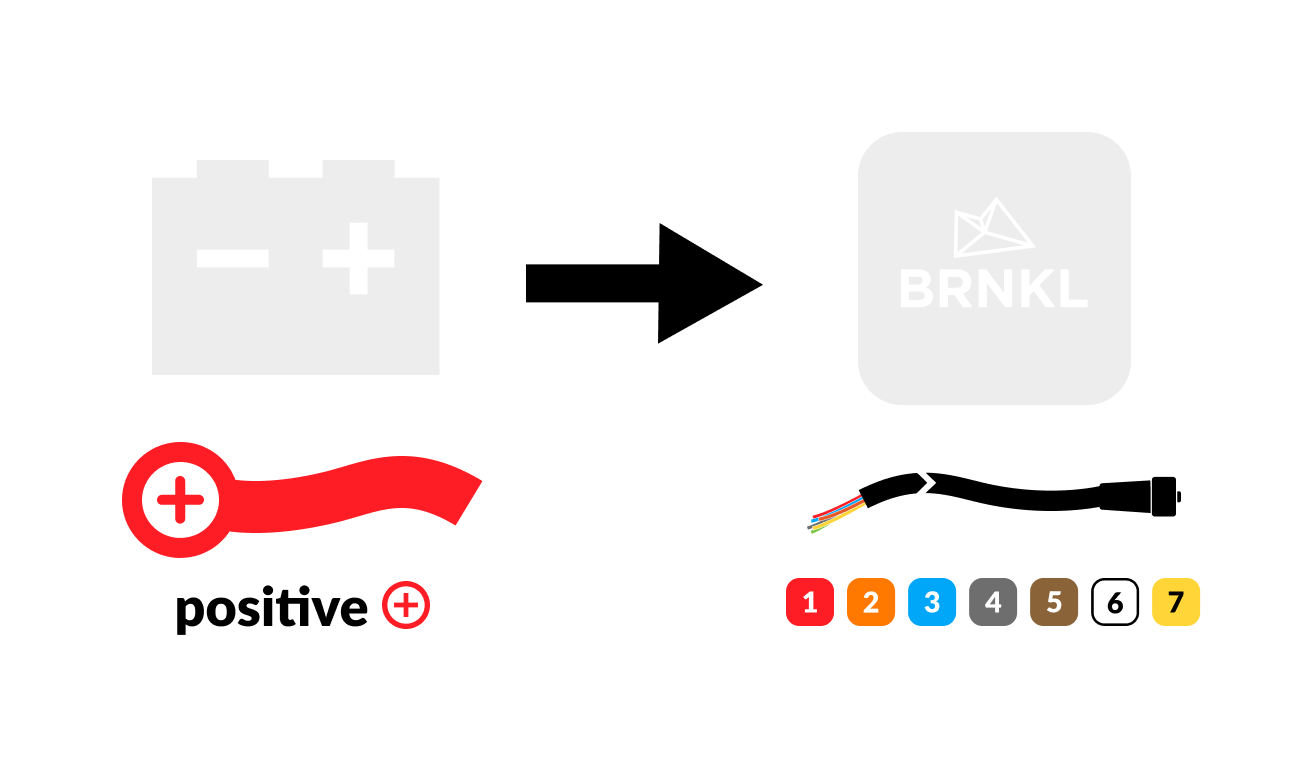
Battery connection settings
Set a wired channel on your BRNKL to act as a battery connection.
To set battery connection, follow these steps:
A | Open channel settings
Using your browser device, on the BRNKL-connected local network:
-
Go to the BRNKL Device Manager, select Settings

.png?cb=e4de334e189a408a941e789789d6fd6b)
-
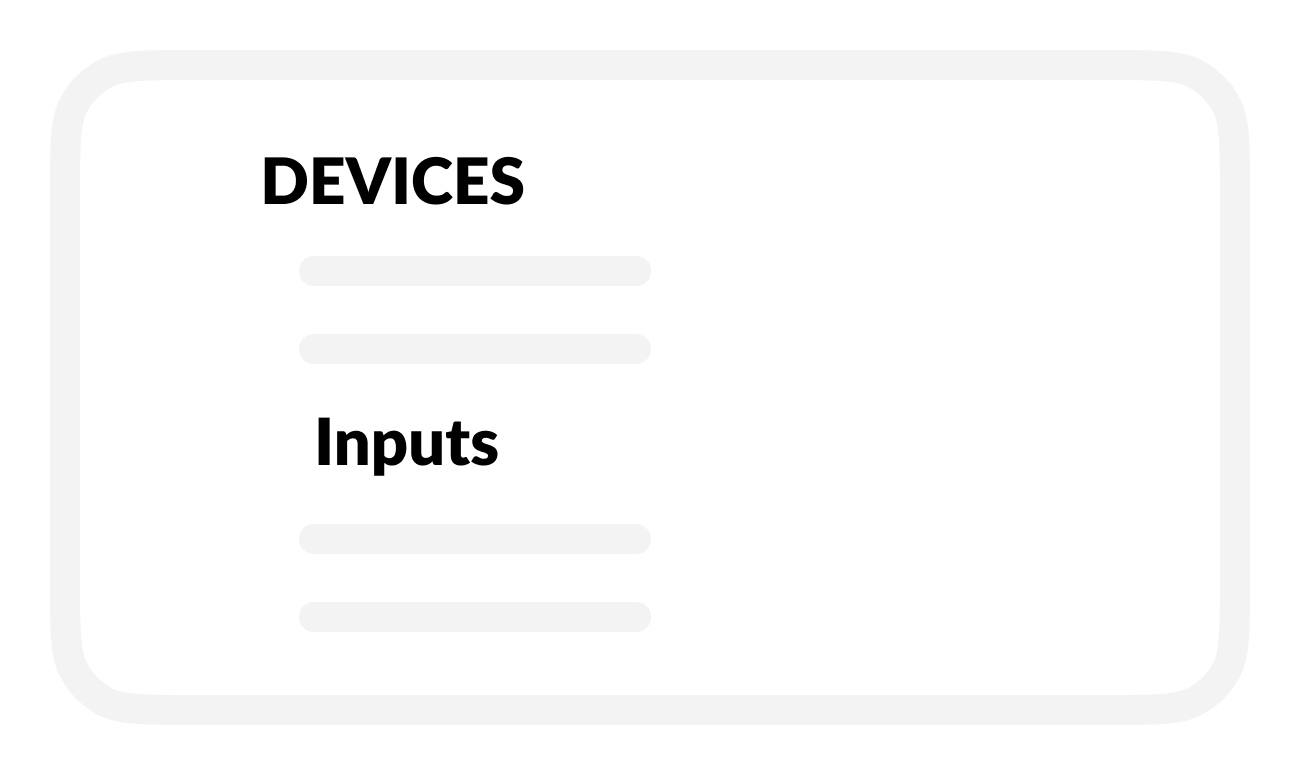
From the Devices menu select Inputs.
-
In INPUTS, find the channel (1-7) used to connect the device to the BRNKL.

-
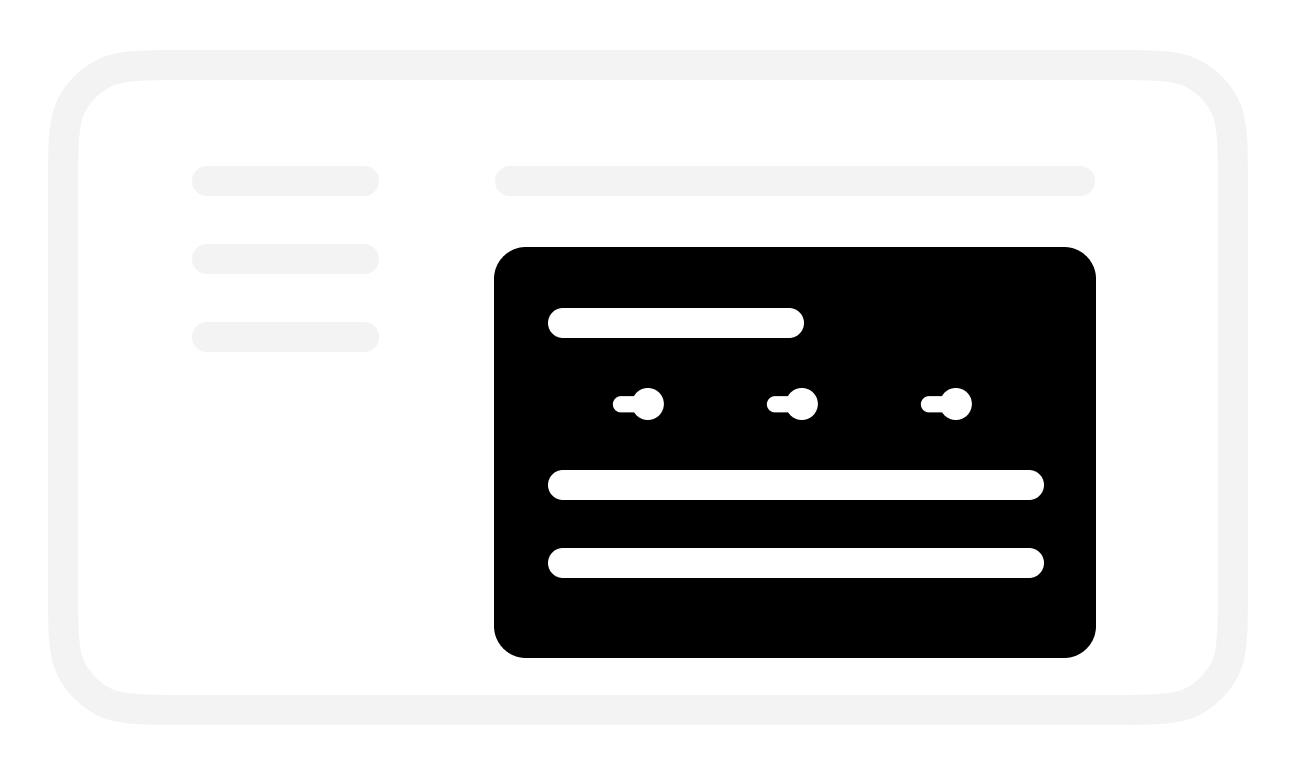
Select the channel to open its settings.
B | Name channel
In the selected channel settings:
-
Replace the default Name with a descriptive name.
-
Use 12 or fewer characters.

-
-
Save.
C | Set connection to battery
In the selected channel settings:
-
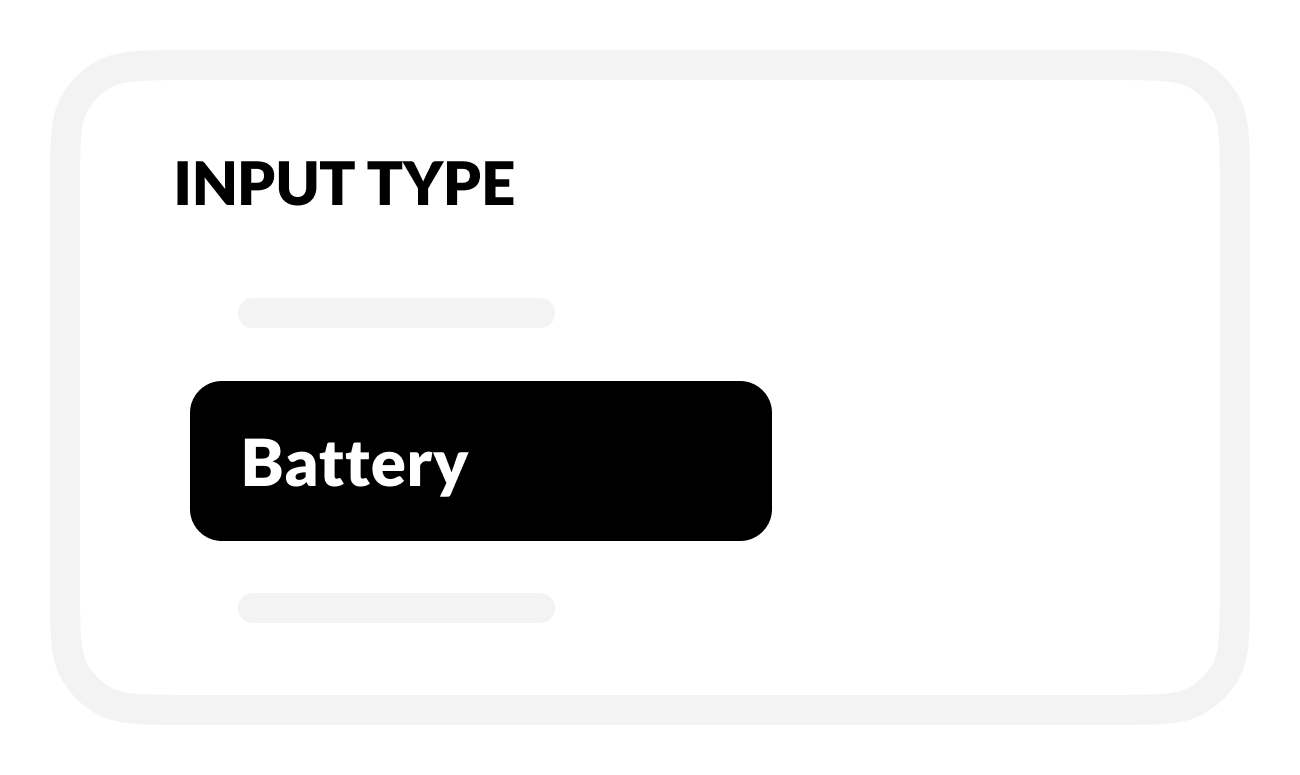
In Input type, select Battery.
D | Set up battery voltage monitoring
In the selected Battery activity settings:
-
To check battery voltage, turn on Monitor.
-
BRNKL will monitor and display battery voltage:
-
On the BRNKL Device Manager Dashboard, in real time.
-
In the BRNKL app (if connected), updated every 15 minutes.
-
-

-
Save when complete.
E | Set up battery voltage alerts
-
To find out when battery voltage is too low or high, turn on Alert.
-
BRNKL will send an alert when a battery voltage event happens.

-
To find out about events while BRNKL is Disarmed, turn on Critical Alert.
-
BRNKL will send alerts while Armed or Disarmed.

-
-
-
To set a low voltage event, enter a Lower threshold (V) value.
-
BRNKL will send an alert when battery voltage falls below this value.

-
-
To set a high voltage event, enter an Upper threshold (V) value.
-
BRNKL will send an alert when battery voltage rises above this value.

-
-
To view video footage of the event, select a camera view to Record on alert.

-
Save when complete.
F | Set up battery voltage recording
In the selected Battery activity settings:
-
To review battery voltage history, turn on Record.
-
BRNKL will record and store related data.

-
-
Save when complete.