
Add a NMEA 2000 network-connected device to your BRNKL Blue to monitor onboard activity such as engine data, fuel level, GPS, or environmental sensors. Once the network is connected, any compatible device's data fields appear in the BRNKL Device Manager and can be individually monitored, alerted on, and recorded.
Video walkthrough
Connect to NMEA 2000 network
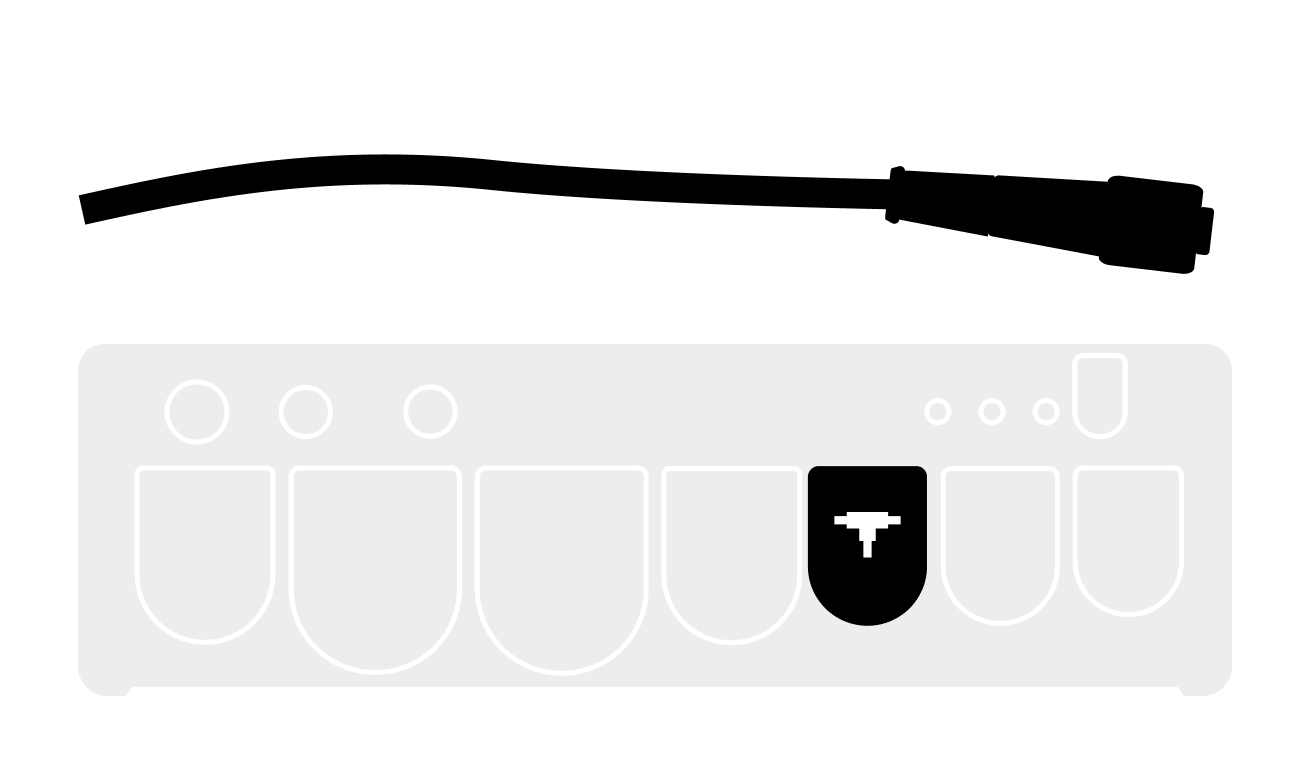
On the BRNKL Blue, plug a compatible NMEA 2000 cable into the NMEA 2000 port 
Set up an activity
An activity is any single data field exposed by a NMEA 2000 device — for example, a single engine's RPM, a single tank's fuel level, or a vessel's heading. Each activity is configured independently. Repeat the steps below for every activity you want to monitor.
Ensure the NMEA 2000 network is powered on. If you're setting up engine or generator activity, also ensure the source device is running.
-
In BRNKL Device Manager, go to Settings > NMEA 2000.
-
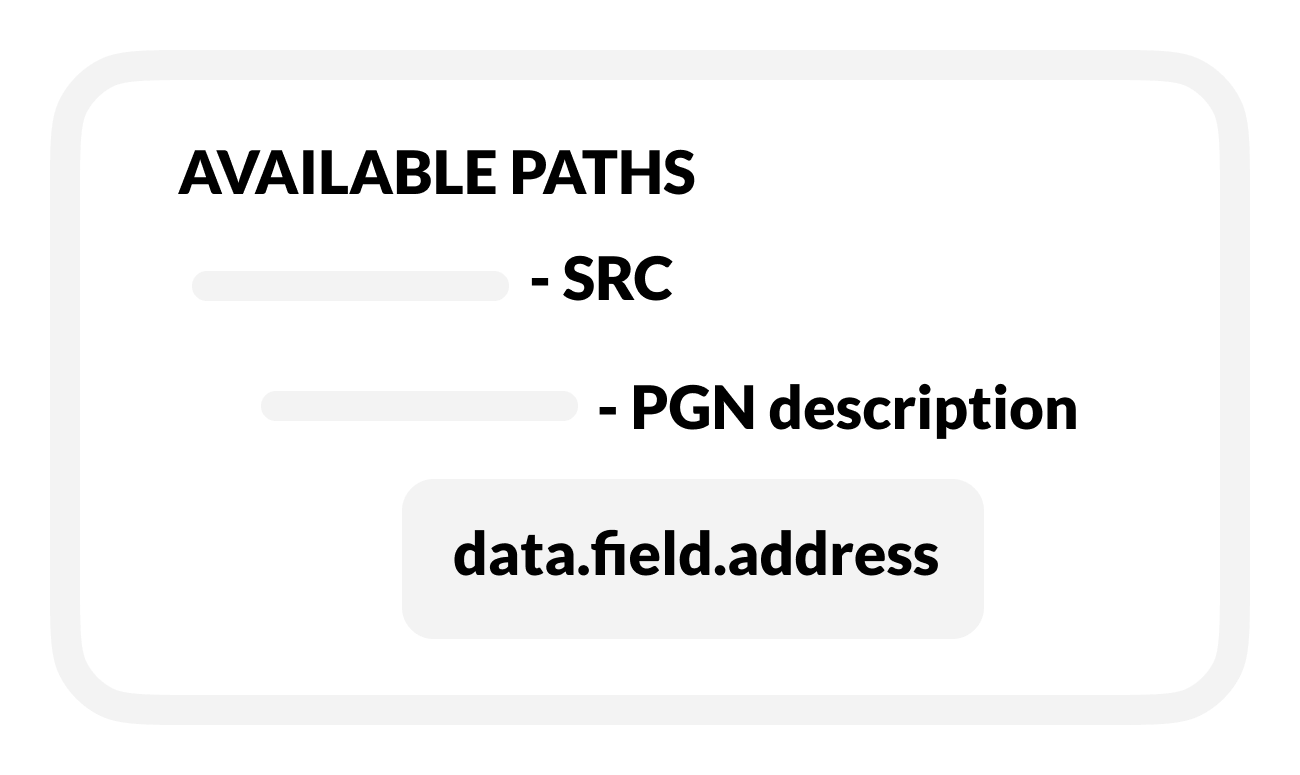
In the Available Paths list, expand the source (SRC) to see its parameter groups (PGNs), then expand the PGN to see its data fields.
-
Select the data field for the activity you want to set up. The activity settings panel opens.
-
Configure the activity using the settings reference below, then click Save.
Activity settings
Toggles
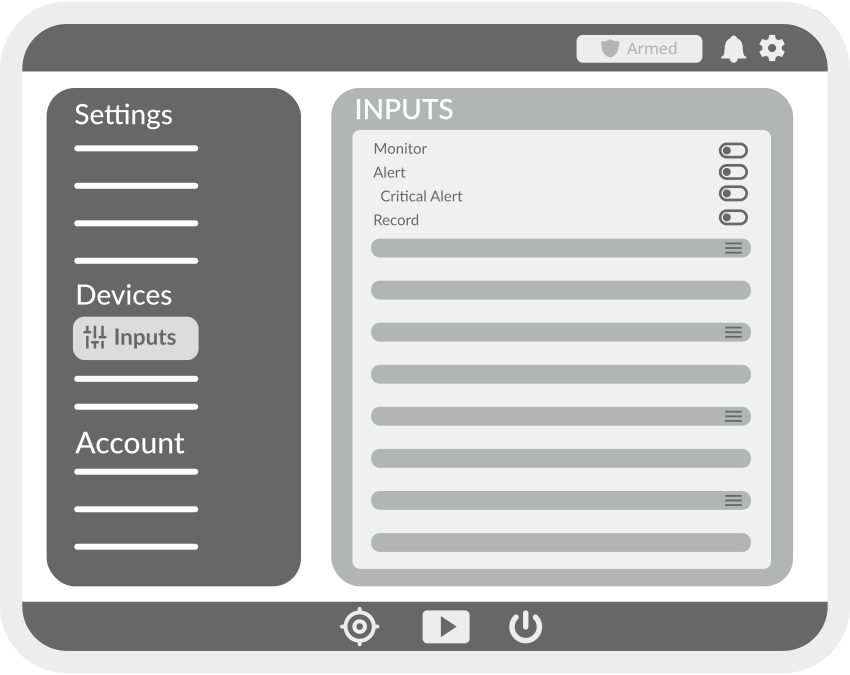
These four toggles appear on every input, NMEA 2000, and wireless device activity.
-
Monitor — displays the activity as a tile on the BRNKL dashboard.
-
Alert — sends a notification when the activity changes state or crosses a threshold, while the system is armed.
-
Critical Alert — sends a notification even when the system is disarmed. Only available when Alert is enabled.
-
Save data — saves the activity history to internal storage. Recorded data is reviewable in the BRNKL Device Manager dashboard.
Analog activities
These settings apply to analog activities — values that vary across a range (e.g., voltage, temperature, RPM, fuel level).
-
Name — descriptive name for the activity, shown on the dashboard and in alerts. Use 12 characters or fewer for best display.
-
Type — selects a preset that pre-configures unit, thresholds, and alert behaviour (e.g., Battery, Bilge, Custom Analog).
-
Preferred Unit — unit of measurement for the displayed value. Available units depend on the selected Type.
-
Upper Threshold — value above which an alert is generated, when Alert is enabled.
-
Lower Threshold — value below which an alert is generated, when Alert is enabled.
-
Record on Alert — selects a camera to record a video clip when an alert is triggered.
-
Trigger on Alert — selects an output to activate when an alert is triggered (e.g., siren, light).
-
Time Between Alerts — minimum interval between repeated alerts. Prevents notification spam when a value oscillates near a threshold.
Digital activities
These settings apply to digital activities — two-state values (e.g., open/closed, on/off, armed/disarmed).
-
Name — descriptive name for the activity, shown on the dashboard and in alerts. Use 12 characters or fewer for best display.
-
High Name — label displayed when the activity is in its high (on) state, e.g., Open, Running, Connected.
-
Low Name — label displayed when the activity is in its low (off) state, e.g., Closed, Stopped, Disconnected.
-
Alert When — state that triggers an alert: High, Low, or Both.
-
Record on Alert — selects a camera to record a video clip when an alert is triggered.
-
Trigger on Alert — selects an output to activate when an alert is triggered (e.g., siren, light).
-
Time Between Alerts — minimum interval between repeated alerts. Prevents notification spam when a state changes rapidly.
Digital switching devices
Control and monitor your vessel's electrical systems by connecting digital switching devices on your NMEA 2000 network. With digital switching, you can remotely operate lights, pumps, and other onboard equipment while also reviewing their status directly from the BRNKL dashboard.
For supported digital switching systems, see: