
Add an input device to your BRNKL Blue. The BRNKL Blue has seven input channels that measure 0–60 V DC. Each channel can be configured to work with a variety of analog or digital devices and is connected using the supplied connector cable.
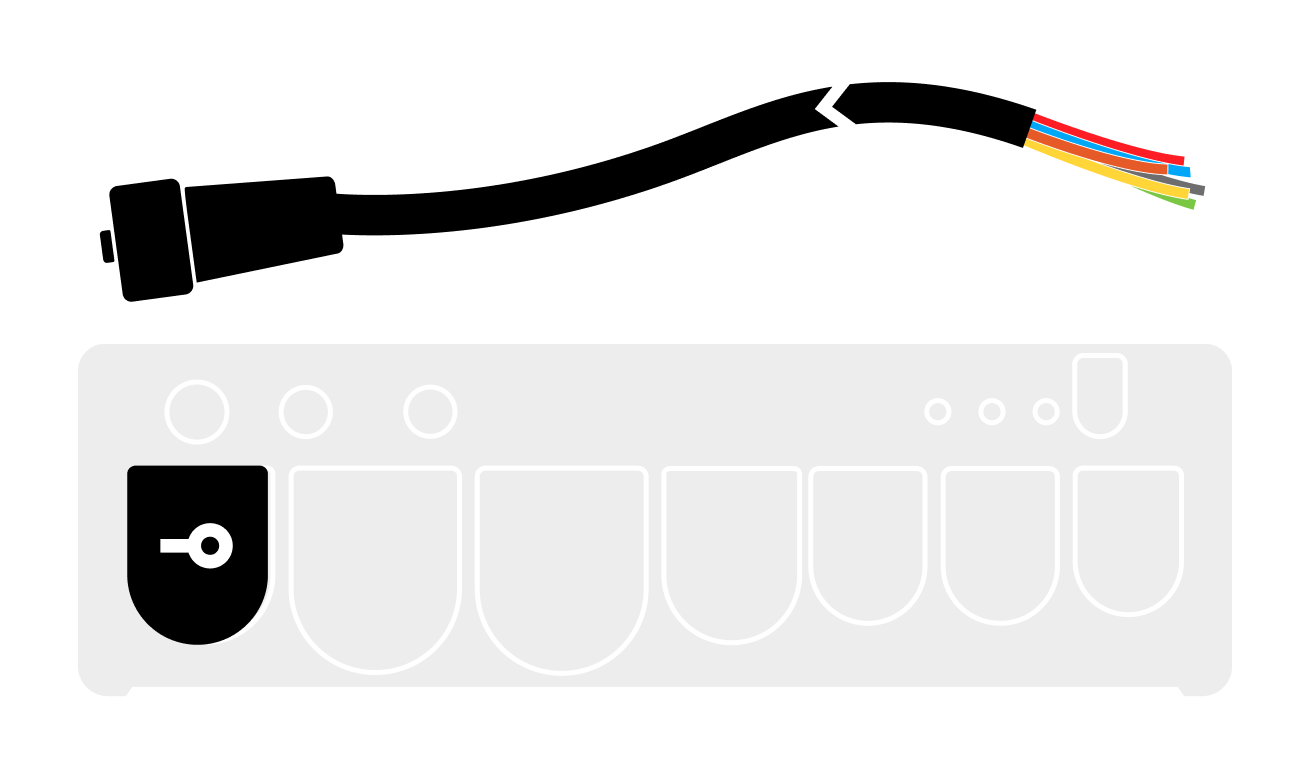
See the BRNKL Blue connection guide for connector cable details and channel locations.
Video walkthroughs
Set up an input
The general workflow is the same for every input. Each device-specific guide documents its wiring and recommended settings.
-
Connect the device to an available input channel on the connector cable. See the device-specific guide for wiring details.
-
In BRNKL Device Manager, go to Settings > Inputs and select the input channel you connected the device to. The channel settings panel opens.
-
Enter a descriptive name for the input (12 characters or fewer for best display).
-
Set Input Type to match the device. Selecting a preset (Battery, Bilge, Shore Power, etc.) pre-configures unit, thresholds, and alert behaviour. Use Custom Analog or Custom Digital for devices that don't fit a preset.
-
Configure the activity using the settings reference below, then click Save.
Activity settings
Toggles
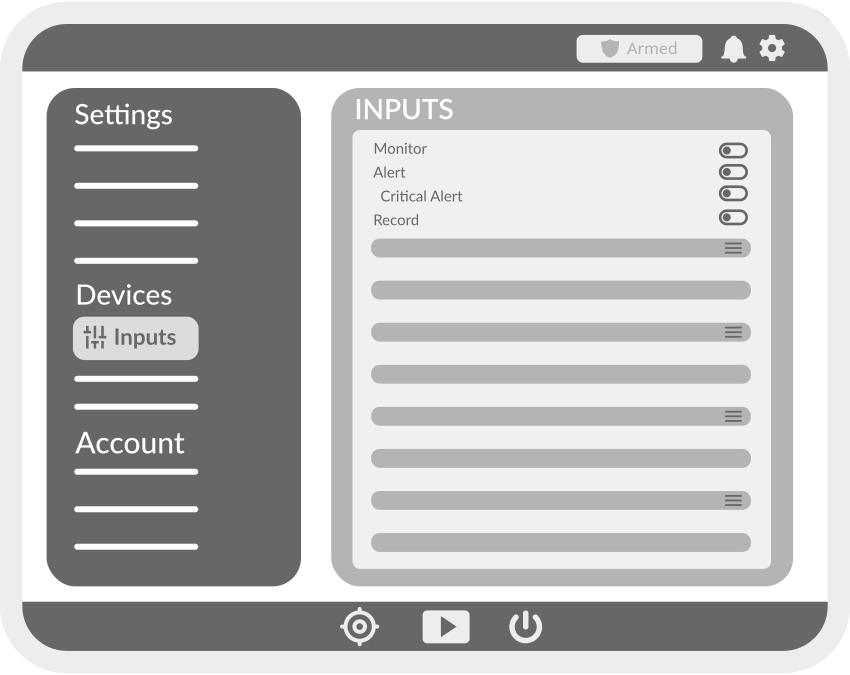
These four toggles appear on every input, NMEA 2000, and wireless device activity.
-
Monitor — displays the activity as a tile on the BRNKL dashboard.
-
Alert — sends a notification when the activity changes state or crosses a threshold, while the system is armed.
-
Critical Alert — sends a notification even when the system is disarmed. Only available when Alert is enabled.
-
Save data — saves the activity history to internal storage. Recorded data is reviewable in the BRNKL Device Manager dashboard.
Analog inputs
Applies when the connected device reports a varying voltage (battery, fuel level, shore power, custom analog sensor).
These settings apply to analog activities — values that vary across a range (e.g., voltage, temperature, RPM, fuel level).
-
Name — descriptive name for the activity, shown on the dashboard and in alerts. Use 12 characters or fewer for best display.
-
Type — selects a preset that pre-configures unit, thresholds, and alert behaviour (e.g., Battery, Bilge, Custom Analog).
-
Preferred Unit — unit of measurement for the displayed value. Available units depend on the selected Type.
-
Upper Threshold — value above which an alert is generated, when Alert is enabled.
-
Lower Threshold — value below which an alert is generated, when Alert is enabled.
-
Record on Alert — selects a camera to record a video clip when an alert is triggered.
-
Trigger on Alert — selects an output to activate when an alert is triggered (e.g., siren, light).
-
Time Between Alerts — minimum interval between repeated alerts. Prevents notification spam when a value oscillates near a threshold.
Slope and offset
Analog inputs have two additional settings used to scale or calibrate the raw voltage reading. These are only available on input channels — NMEA 2000 and wireless devices report pre-calibrated values.
-
Slope — multiplier applied to the raw input voltage.
-
Offset — constant added to the scaled reading.
The displayed value is calculated as: (raw voltage × Slope) + Offset.
Digital inputs
Applies when the connected device reports a two-state value (switch closure, alarm trigger, motion detector, smoke alarm).
These settings apply to digital activities — two-state values (e.g., open/closed, on/off, armed/disarmed).
-
Name — descriptive name for the activity, shown on the dashboard and in alerts. Use 12 characters or fewer for best display.
-
High Name — label displayed when the activity is in its high (on) state, e.g., Open, Running, Connected.
-
Low Name — label displayed when the activity is in its low (off) state, e.g., Closed, Stopped, Disconnected.
-
Alert When — state that triggers an alert: High, Low, or Both.
-
Record on Alert — selects a camera to record a video clip when an alert is triggered.
-
Trigger on Alert — selects an output to activate when an alert is triggered (e.g., siren, light).
-
Time Between Alerts — minimum interval between repeated alerts. Prevents notification spam when a state changes rapidly.