
This page covers a one-time wiring step required for Garmin camera installations. For the full camera setup workflow, see Add Garmin marine camera.
By default, the GMS 10 Network Port Expander cuts power to the Garmin network when the chartplotter is turned off. Connecting the yellow wire to ground keeps the network — and any cameras on it — powered 24/7, which is required for BRNKL to access them.
Repeat this procedure for every GMS 10 on the Garmin network.
Connect yellow wire to ground
-
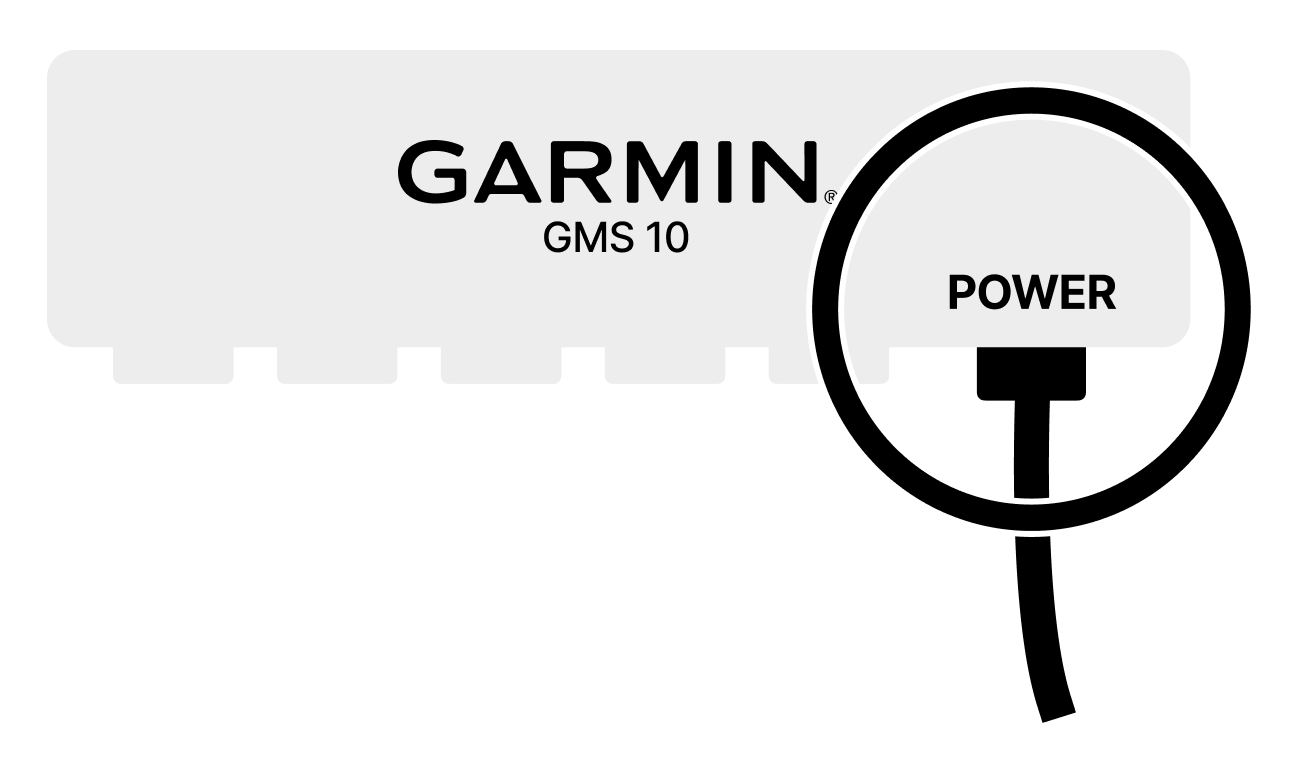
Locate the 7-pin power cable on the GMS 10.
-
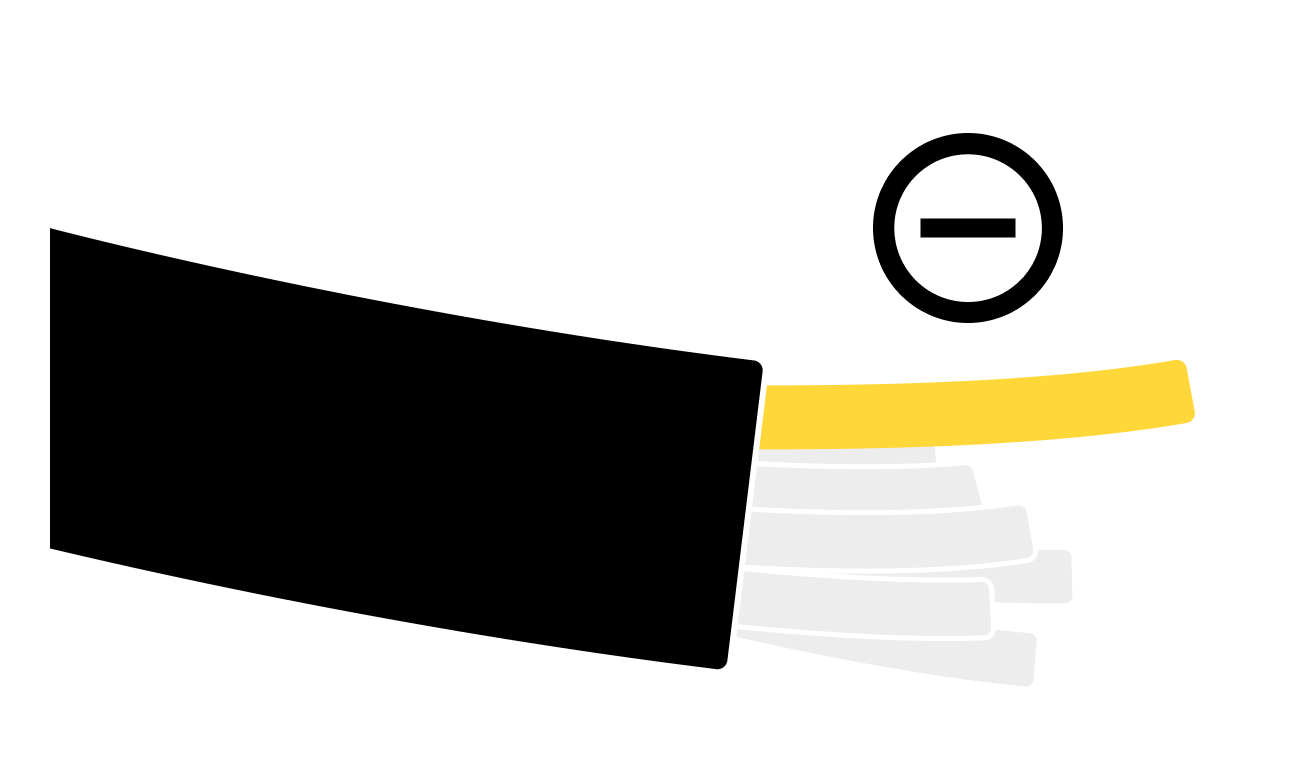
Identify the yellow wire on the power cable.
-
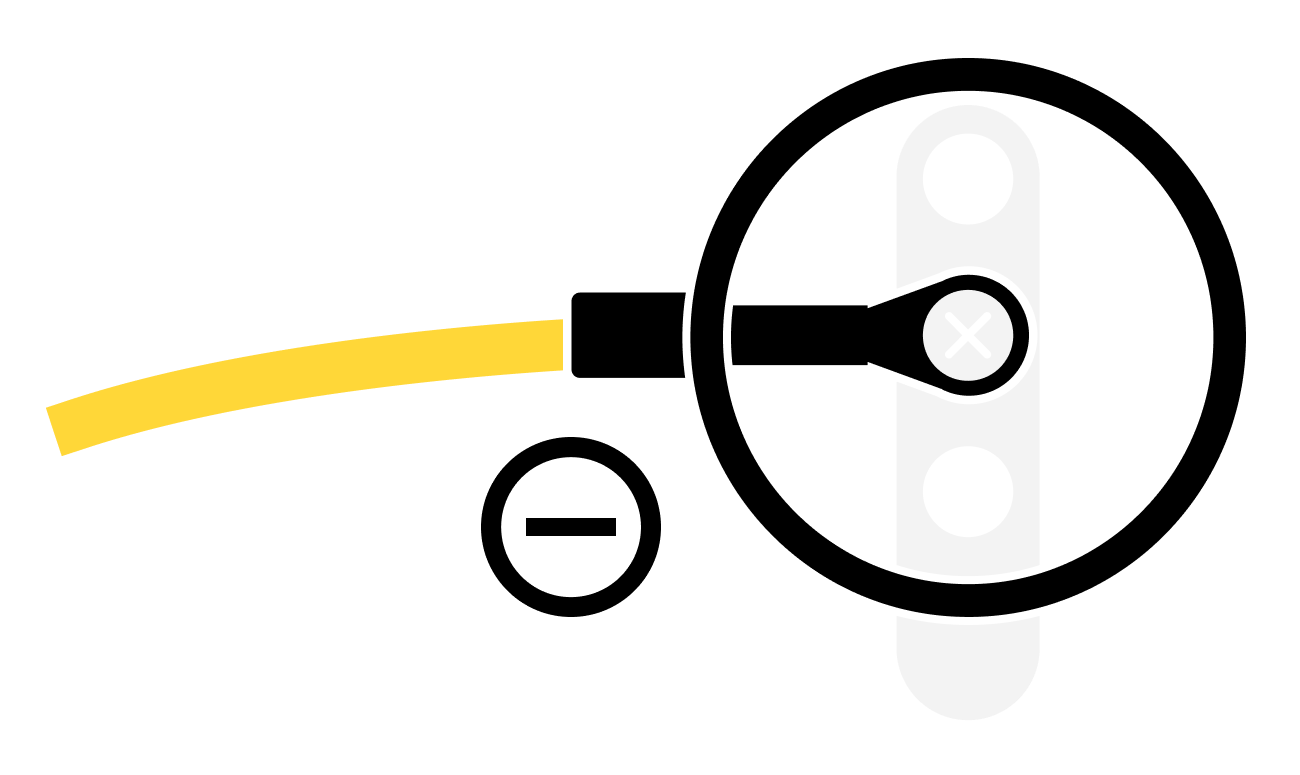
Connect the yellow wire to a common ground terminal — the same ground reference as the BRNKL Blue.
-
Repeat for each GMS 10 on the Garmin network.
Ensure the GMS 10 and all connected cameras are on an always-on power circuit, not switched with the chartplotter.