
This page covers the device-specific wiring for monitoring a battery on a BRNKL Blue input channel. For general input setup and activity settings, see Add input device.
Connect a 0–60 V battery to a BRNKL Blue input channel to monitor its voltage. Useful for tracking starting batteries, house banks, or any DC power source.
Wiring
-
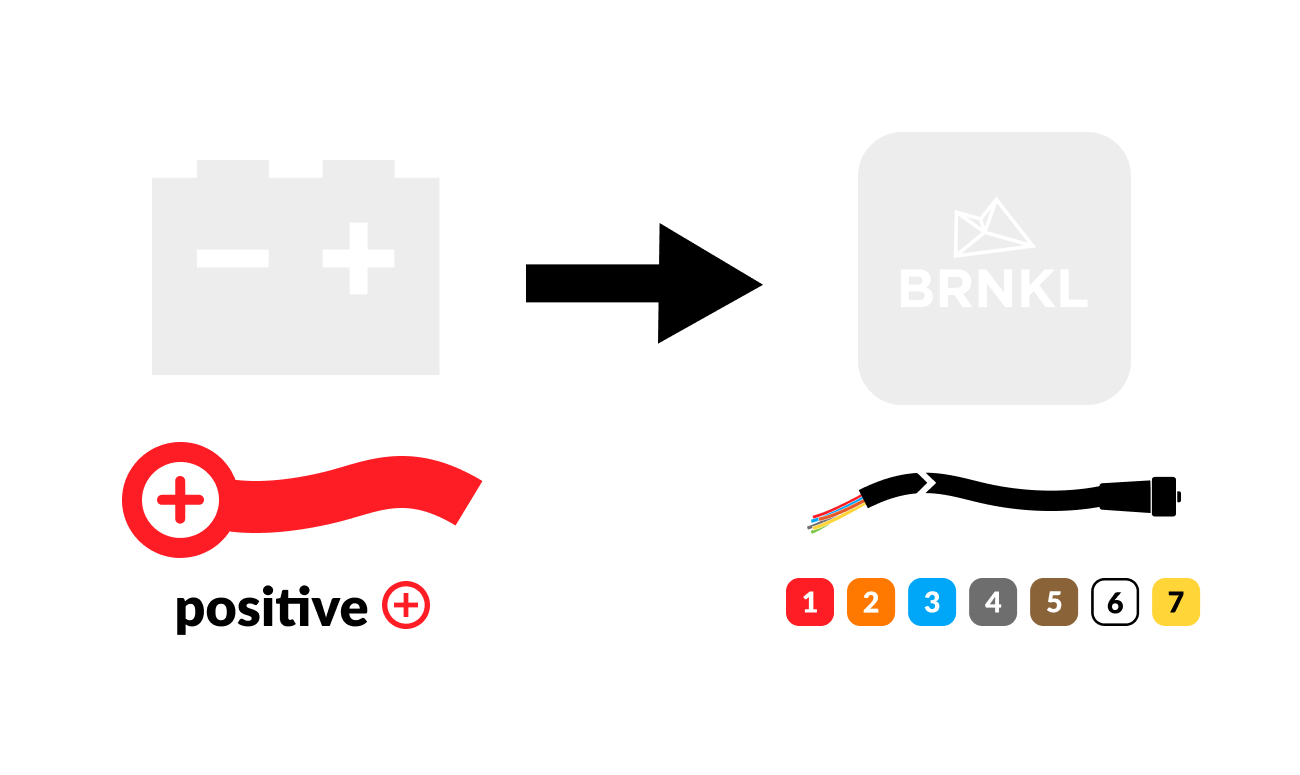
Connect the positive battery terminal to an available input channel on the BRNKL connector cable.
-
Make the connection unswitched — directly to the battery, not downstream of a switch — so the BRNKL Blue can monitor voltage even when other circuits are off.

Configure
In BRNKL Device Manager, go to Settings > Inputs, select the input channel the battery is wired to, and set Input Type to Battery. The unit will pre-set to volts.
Recommended settings
-
Lower Threshold — set to a low-voltage warning level (e.g., 12.0 V for a 12 V battery, 24.0 V for a 24 V battery). BRNKL will alert when battery voltage falls below this value.
-
Upper Threshold — optional, but useful for catching alternator or charger overvoltage faults (e.g., 14.8 V for a 12 V system).