
This page covers the device-specific wiring for a BRNKL Laser Sensor. For general input setup and activity settings, see Add input device.
The laser sensor detects when something crosses its beam path. Useful for entry detection at companionways, hatches, or other access points where you want to know about movement through a defined line.
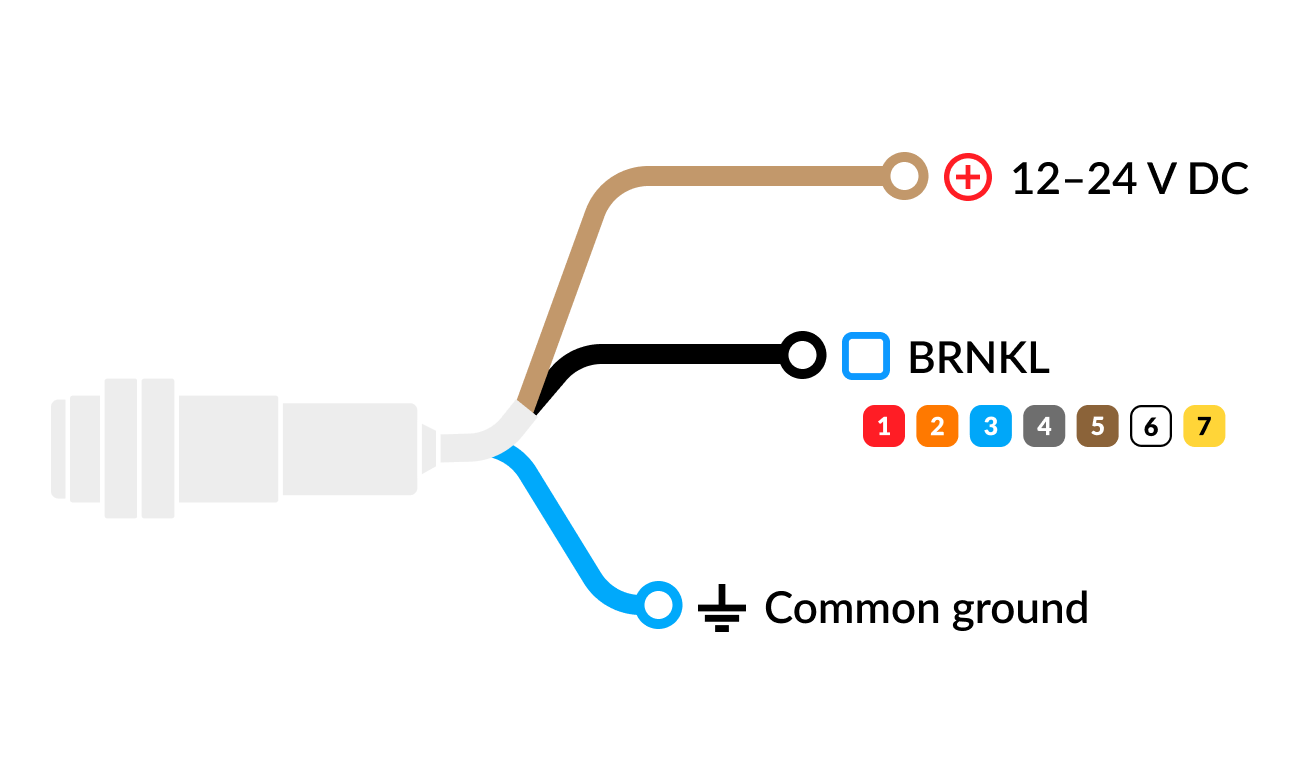
Wiring
-
Brown lead

-
Black lead → available input channel

-
Blue lead

Configure
In BRNKL Device Manager, go to Settings > Inputs, select the input channel the sensor is wired to, and set Input Type to Laser.
Recommended settings
-
Alert When — set to High to alert when the beam is broken.
-
Record on Alert — pair with a camera covering the same area so you have video context for every beam break.