
This page covers the device-specific wiring for monitoring a bilge pump on a BRNKL Blue input channel. For general input setup and activity settings, see Add input device.
Connect a bilge pump's manual lead to a BRNKL Blue input channel to monitor pumping activity. The Bilge input type adds event-counting and frequency alerts on top of the standard digital activity settings.
Wiring
-
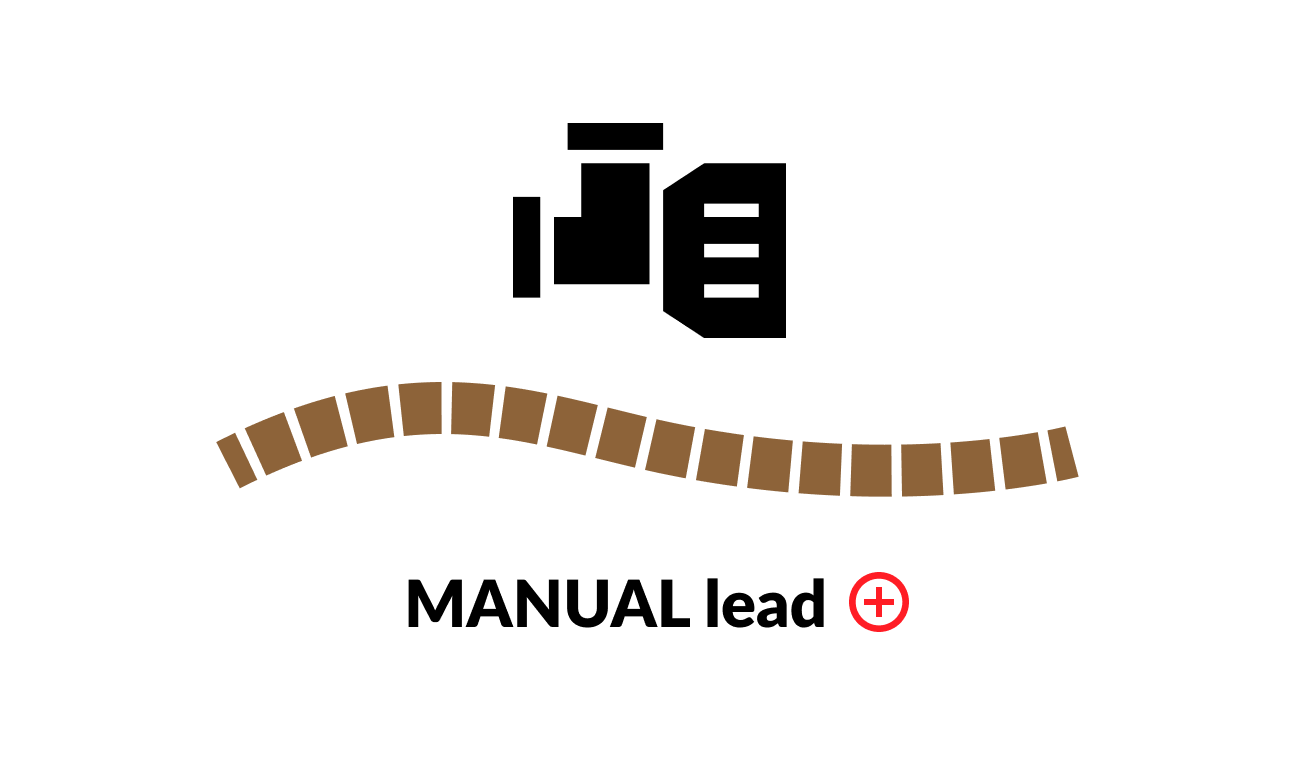
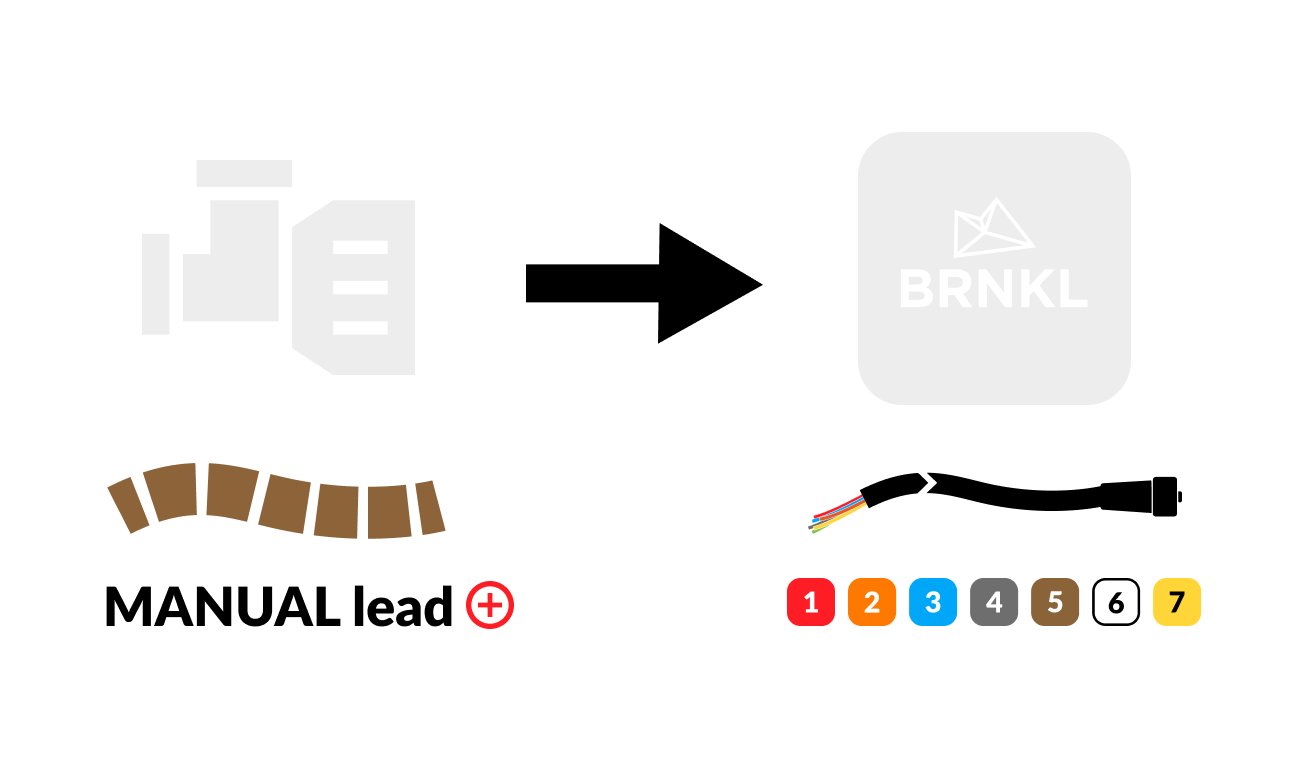
On the bilge pump, identify the MANUAL lead — typically a brown and white wire.
-
Connect the MANUAL lead to any available input channel on the BRNKL connector cable.
Configure
In BRNKL Device Manager, go to Settings > Inputs, select the input channel the bilge pump is wired to, and set Input Type to Bilge.
Bilge-specific settings
In addition to the standard activity toggles and digital settings, the Bilge input type adds:
-
24 hour count — when enabled, the dashboard tile shows the number of pumping events in the past 24 hours.
-
Bilge on time — minimum duration the pump must run before BRNKL counts it as an event. Used to filter out brief cycling.
-
Long period alert — alerts when pumping events exceed a chosen frequency over a longer time window (e.g., more than 10 events in 24 hours). Catches slow leaks.
-
Short period alert — alerts when pumping events exceed a chosen frequency over a shorter time window (e.g., more than 3 events in 1 hour). Catches sudden flooding.